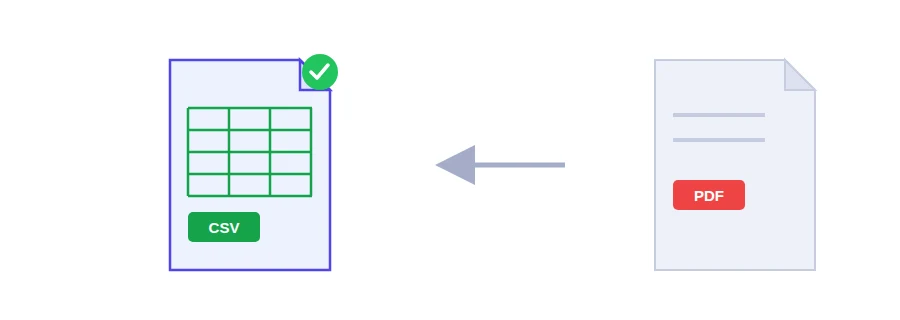
A bank statement, a supplier's price list, a list of expenses attached to an invoice. You want to sort, add up or compare, but copying from the PDF and pasting into a spreadsheet jumbles the columns. This tool reads the table text in the file and turns it into comma-separated rows in a CSV file, which opens directly in Excel.
Getting your table out
Choose a PDF file.
Click the extract button to download the CSV.
Open it in Excel or any spreadsheet app and check the columns before you rely on them.
Why columns sometimes come out misaligned
A PDF doesn't store a real table with cells the way Excel does. It stores words and numbers at fixed positions on the page, and the tool works out where the column boundaries are from those positions. So the result depends on the table you start with:
Clearly separated columns with regular spacing usually come out clean.
Merged cells and rows whose text wraps onto several lines usually need some manual cleanup.
With a complex table, expect a few minutes of tidying in Excel afterwards. It is still far quicker than retyping the whole thing.
Scanned tables need OCR first
If your PDF is a scanned image of a table, there is no text in it to read, and the CSV will come out empty or nearly so. Run it through OCR PDF first, then come back here.
Your figures stay on your device
The extraction runs in your browser, and the file is never uploaded to a server. That matters when the document is a bank statement, a payslip or a customer list. If you need the opposite, sending a spreadsheet in a fixed form whose columns won't shift on the other person's screen, use Excel to PDF.
FAQ
A PDF stores positioned text, not a table structure, so column boundaries have to be inferred. Tables with ruled lines and even spacing convert more reliably.
We use cookies to measure traffic and improve the site (Google Analytics), and may show ads later. Nothing is enabled without your consent. Privacy policy