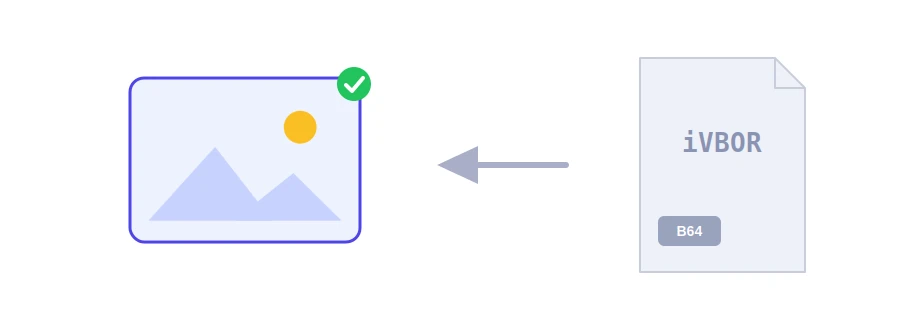
You open a JSON file, an API response or a page's source code and find an endless line starting with iVBORw0KGgo or /9j/4AAQ. That is an image encoded in Base64, turned into text so it can travel inside formats that only carry text. Jood's tool turns the text back into an image you can see and download.
How to use it
Paste the Base64 text into the box as it is.
Click "Start Now".
The image appears with its type and size in KB; then click the download button.
What the tool forgives
The prefix: paste the text with its data:image/png;base64, prefix or without it.
Line breaks and spaces: some programs wrap long Base64 into lines, and the tool strips them for you.
The URL-safe variant: Base64 that uses - and _ instead of + and / is accepted, and so is text that lost its trailing = signs.
The tool does not trust the prefix to know what the image is; it checks the actual content. If the text hides something other than an image, such as a PDF or a ZIP file, it tells you what it found instead of showing a broken picture. The downloaded file gets the right extension, such as png, jpeg or webp.
When you will need it
Checking an image stored in a database or returned by an API while you are developing.
Pulling a logo or icon out of a CSS file or a page where it was embedded.
Making sure an app saves pictures correctly before it goes live.
Limits and privacy
The decoded image can be up to 8 MB. The text is sent to Jood's server to be decoded and checked, then the image is shown in your page; no copy is kept. For the reverse job, use image to Base64. If the image turns out heavy, shrink it with compress image.
FAQ
Base64 هو النص المرمز، وData URI هو النص نفسه مسبوقاً بنوع الملف مثل data:image/png;base64.
غالباً النص ناقص أو يحوي مسافات دخيلة أو ليس لصورة أصلاً.
لا، الترميز لا يفقد أي بيانات.
We use cookies to measure traffic and improve the site (Google Analytics), and may show ads later. Nothing is enabled without your consent. Privacy policy