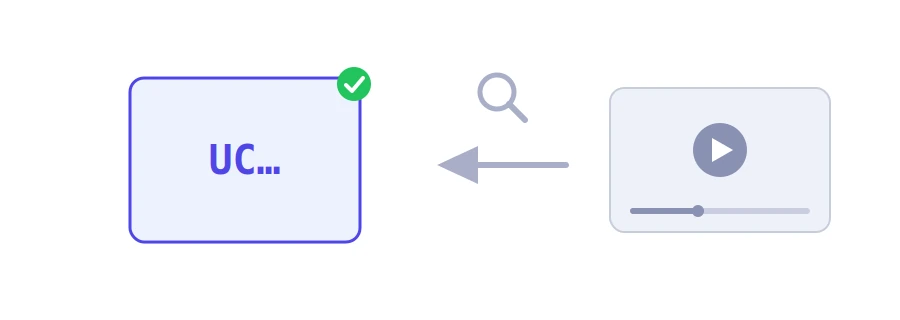
Every YouTube channel has a unique ID that starts with the letters UC and is 24 characters long. It is not the channel name, nor the handle that starts with @, and it no longer appears in the address of most channels. Yet some services and tools ask for it. Jood's YouTube channel ID finder gets it for you from the channel's link or from the link of any of its videos.
How to use it
In the "YouTube channel URL, handle starting with @, or video URL" box, enter one of three things: the channel's handle starting with @, the link to its page, or the link to one of its videos.
Click "Start Now".
The ID appears in a box, with a "Copy ID" button.
If the tool cannot find the ID from the channel link, paste the link to a video from the same channel, as the tool's message suggests.
Why would you need a channel ID?
A link that never changes: the owner can change the channel's name and its @ handle, but the UC ID stays the same. The address youtube.com/channel/ followed by that ID always leads to the channel.
Following the channel in a feed reader: RSS readers follow a channel through an address of this form: https://www.youtube.com/feeds/videos.xml?channel_id= followed by the ID.
Developers and plugins: the YouTube Data API, and many plugins that show a channel's videos on a website, ask for the ID rather than the name.
Your own channel's ID
If the channel is yours, you can also see its ID in YouTube itself: from your profile picture, open Settings, then Advanced settings, and you will find your user ID and channel ID. You need to be signed in as the channel's primary owner.
Public information, not a secret
A channel ID is not a password and gives no access to the channel, so sharing it is safe. Your sign-in details are another matter: never give them to anyone, whatever the reason.
We use cookies to measure traffic and improve the site (Google Analytics), and may show ads later. Nothing is enabled without your consent. Privacy policy