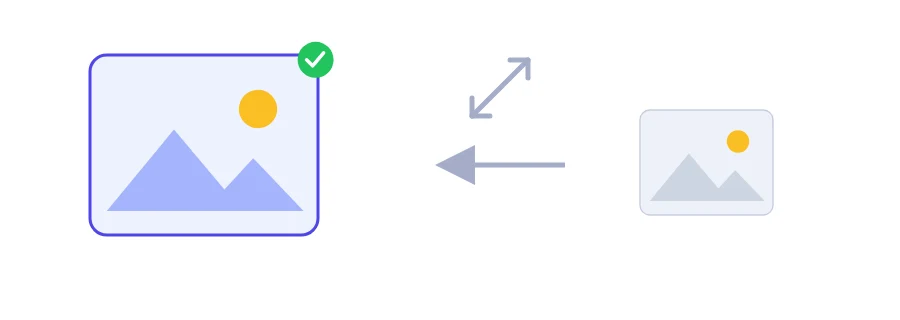
You are filling in an online visa file or job application, you reach the photo step, and the page wants an image of exact dimensions, say 600 × 600 pixels. The picture from your phone is far larger, so it bounces. This tool changes the image to the size you type in and hands you a file ready to upload.
Resizing happens inside your browser. Your images are never uploaded to any server, which matters when the picture is your face or a photo of a document.
Pixels for exact sizes, percentage for quick shrinking
Pixels: you type the width and height as numbers. Use this whenever someone gives you a required size, like an application photo or a banner for a website.
Percentage: you type the value in the width box, for example 50 to halve both dimensions. Handy when no exact size is required and you only want a lighter image to send by email or chat.
Avoiding the stretched-face problem
If the width and height you enter do not match the shape of the original, the picture gets squashed or stretched. Turn on the keep aspect ratio option and you only need one side: the other is calculated for you, so nothing is distorted. If the form wants a different shape from your photo, a square when your shot is portrait, crop it first in your phone's photo editor, then resize it here.
Resizing one image or a whole batch
Pick one image, or several at once if they all need the same treatment.
Choose pixels or percentage and fill in the width and height boxes. In percentage mode only the width box is used.
Click the resize button and the new images download.
Making a small image bigger
You can enlarge a small image, but expect it to look softer. No software can create detail that was never captured; it spreads the existing pixels over a larger area. Always start from the biggest version of the photo you have and scale it down.
No, as long as the keep aspect ratio option is on.
Yes, but enlarging a lot makes the image less sharp because it does not add new detail.
We use cookies to measure traffic and improve the site (Google Analytics), and may show ads later. Nothing is enabled without your consent. Privacy policy