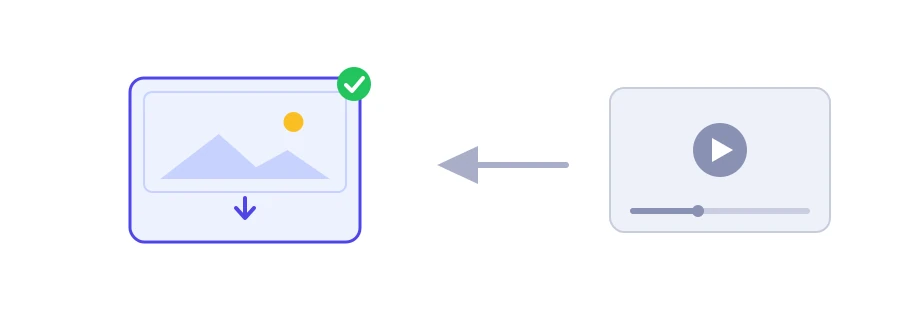
The thumbnail is the first thing people see of a video in search and on the home page. You may need it because you lost the original file of your own, or to study the thumbnail style of a channel you like. Jood's YouTube thumbnail downloader shows you the image in five sizes, each with its own download button.
How to use it
Paste the video's link into the "YouTube Video URL" box. Regular links, short links and Shorts links are accepted, and so is the 11-character video ID on its own.
Click "Start Now".
Five cards appear, each with a preview of the image, the size name, its dimensions in pixels and a "Download" button.
In most browsers the "Download" button opens the image in a new tab instead of downloading it straight away, because the image is hosted on YouTube's servers. Save it from that tab: right-click on a computer, or long-press on a phone.
Which size should you pick?
1280×720: the largest and sharpest, in 16:9. Some videos do not have it, especially old ones or those uploaded in low resolution, and a small grey image shows in its place. Move on to the next size.
640×480 and 480×360: in 4:3, so a widescreen video gets two black bars, at the top and bottom of the image.
320×180: small, but in 16:9 with no bars, handy for lists and previews.
120×90: the smallest, enough for a tiny icon.
Rights come first
A thumbnail belongs to the channel owner. Use your own however you like. Study other people's and take inspiration from them, but do not publish them elsewhere without the owner's permission.
If you design your own thumbnail
For a custom thumbnail, YouTube asks for a 16:9 image in JPG or PNG, at least 640 pixels wide. To get the dimensions right, use the image resizer, and if the file is too heavy, make it lighter with the image compressor.
We use cookies to measure traffic and improve the site (Google Analytics), and may show ads later. Nothing is enabled without your consent. Privacy policy