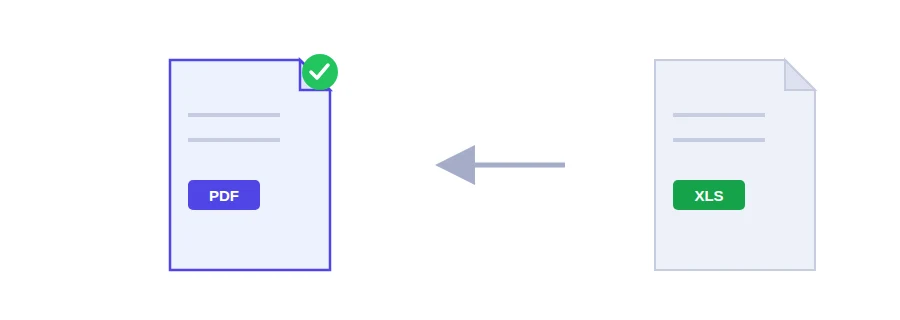
You have an itemised invoice for a client, an expense report for your accountant or a budget for a community project, and it has to go out today. Send the Excel file itself and the other person may open it in different software: columns get rearranged, formulas recalculate on their side, a figure gets changed by accident. As a PDF, they see exactly your values, with no formula recalculation and no columns moving around.
Excel workbooks and CSV files
Upload an Excel file or a CSV file, then click the convert button. CSV is worth a mention: many platforms and apps export data in that format, and when someone opens it without a spreadsheet program it can look like a wall of text and commas. After conversion it becomes a table people can read and print.
Wide sheets and tiny text
The usual problem with spreadsheets is width. A page is only so wide, so a very wide sheet is scaled down to fit the page width, and with many columns the figures can end up hard to read. The fix happens in the file, before you convert:
switch the sheet to landscape orientation in Excel's page layout settings, save, then upload the file. A landscape page holds more columns, so there is less shrinking and the numbers stay legible;
if the sheet has helper columns the recipient doesn't need, such as intermediate calculations, delete them in a copy made for sending and keep the original untouched.
Payroll and other sensitive figures
A payroll sheet or a set of accounts shouldn't travel unprotected. Once converted, you can lock the PDF with a password using protect PDF, and send the password through a different channel from the file, not in the same email.
The opposite case comes up too: someone sends you a table as a PDF and you need the figures back to work with. That is a job for PDF to Excel.
How your file is handled
The spreadsheet is sent to Jood's own server and converted by LibreOffice, open-source software installed on that server. No third-party service is involved. Processing happens in a temporary folder that is deleted once the conversion is finished.
FAQ
Wide tables are scaled down to fit the page width. For tables with many columns, landscape orientation reads better.
We use cookies to measure traffic and improve the site (Google Analytics), and may show ads later. Nothing is enabled without your consent. Privacy policy