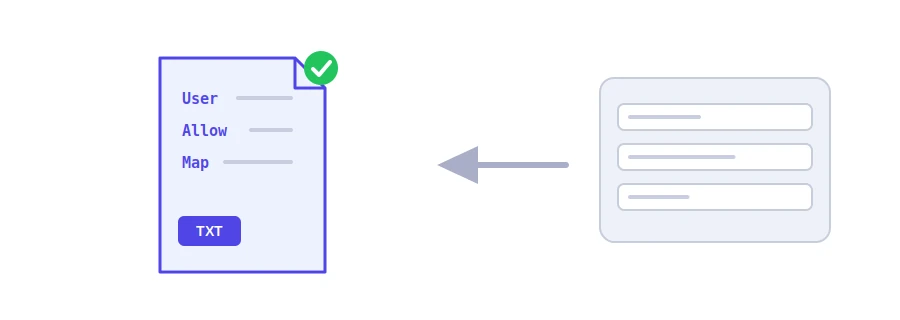
Before Google's or Bing's robot walks through your site, it reads a text file called robots.txt at the root of the domain. In it you say: do not visit these folders, and here is my sitemap. Jood's robots.txt generator writes that file for you in the correct syntax, so one wrong line does not block your whole site.
How to use it
Choose the "Default Search Robot Access": allow all robots, which is recommended, or block them all.
Under "Disallowed Directories", write one folder per line, such as /admin/. If you forget the leading slash, the tool adds it.
Add the "Crawl Delay" and the "XML Sitemap URL" if you like, then click "Start Now" and copy the result.
Save the text in a file named robots.txt and upload it to your site's root, so it opens at example.com/robots.txt.
What each line means
User-agent: who the rules are for. The asterisk means every robot.
Disallow: a path not to visit. Left empty, nothing is blocked. A slash on its own blocks the whole site, so only choose that for a test site.
Crawl-delay: seconds to wait between two requests. Bing respects it, Google ignores it, and the tool reminds you of that.
Sitemap: the address of your sitemap, so every search engine finds it without you submitting it to each one.
Common mistakes worth knowing
robots.txt is not protection: it is a polite request that only well-behaved engines follow. Do not list secret paths in it, because anyone can read the file.
Blocking does not mean hiding from results: a blocked page can still show up in Google if other sites link to it. To keep a page out of the results, use noindex and let the robot visit so it can see it.
Each subdomain has its own file: the one on example.com does not apply to shop.example.com.
AI crawlers: the tool writes rules for all robots at once. To block one in particular, such as GPTBot, add two lines by hand: User-agent: GPTBot and then Disallow: /.
في المجلد الرئيسي للنطاق ليصبح URL: yourdomain.com/robots.txt. لا يعمل داخل مجلد فرعي.
لا، يمنع الزحف فقط. للإخفاء استخدم noindex داخل Page.
ليس إلزامياً، لكنه مفيد لمنع Pages غير المهمة وتوجيه المحركات إلى sitemap.
We use cookies to measure traffic and improve the site (Google Analytics), and may show ads later. Nothing is enabled without your consent. Privacy policy