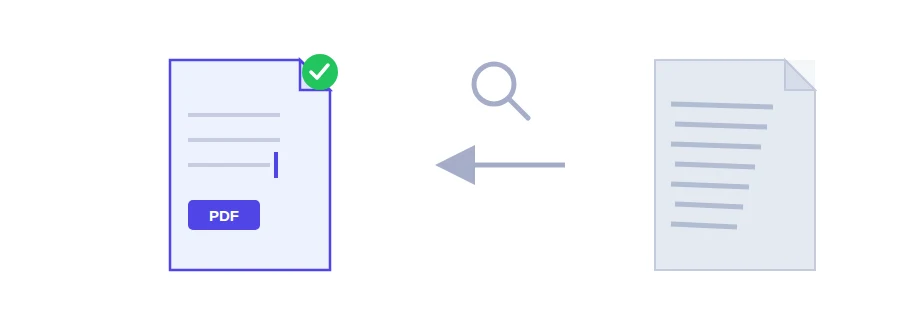
You scan a lease, a letter from an office or a few pages for a visa file, and the PDF looks fine. Then you try to select a sentence or search for a name, and nothing happens. The reason is that every page is a picture with no real text inside it. Jood's OCR tool reads those pictures and adds a text layer to the file, so you can search it and copy from it.
What happens to your file
The tool first checks what kind of PDF you gave it, then takes one of two paths.
The PDF already has selectable text, for example a document exported from Word. No OCR is needed: the text is extracted directly in your browser, which is faster and more accurate, and the file is not uploaded anywhere.
The PDF is a scan made only of images. It is sent to Jood's own server, where the open-source programs OCRmyPDF and Tesseract recognise the text. You get back a searchable PDF: the same scanned pages, with an invisible text layer you can select and copy. The temporary files are then deleted, and no third-party service is involved.
Language options, Arabic included
Before you start, pick the language of the document: Arabic and English together, Arabic only, French, English, Spanish or Turkish. Arabic recognition is properly supported, and the combined Arabic and English option helps with documents that use both on the same page. If a document mixes several languages, choose the one that covers most of the text.
Running it
Choose one PDF file.
Select the document's language from the list.
Click the button that runs OCR and wait for the result.
Why some words come out wrong
Recognition is only as good as the scan. A straight page scanned at 300 DPI on a clean background gives the best result. Handwriting, a skewed page, blur and a noisy background all lower the accuracy. If you are scanning with your phone, the smart scanner straightens the page and removes shadows before you get here.
If all you have is one photo or a screenshot and you just want its text, the image to text tool is the better fit. And once your PDF is searchable, you can turn it into an editable document with PDF to Word.
FAQ
Arabic, French, English, Spanish and Turkish. Arabic and English can also be combined in the same document.
Accuracy depends on scan quality. Low resolution, skew, handwriting and heavy background noise all reduce accuracy. A straight scan at 300 DPI gives the best result.
We use cookies to measure traffic and improve the site (Google Analytics), and may show ads later. Nothing is enabled without your consent. Privacy policy