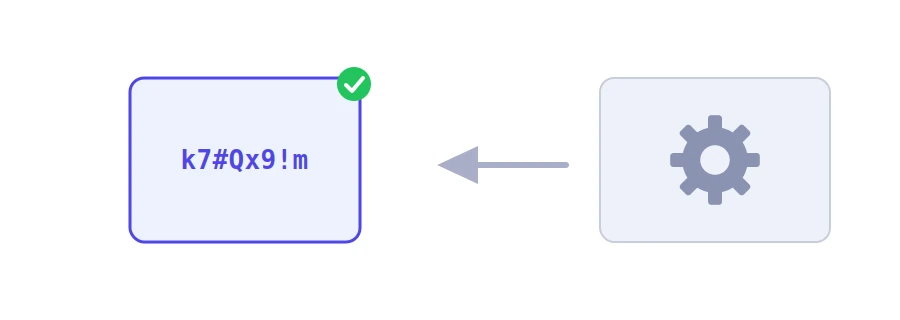
Most hacked accounts take no genius at all: a short password, a first name followed by a year, or the same password everywhere. The fix is a long password that is truly random, which is exactly what people are bad at. Jood's password generator makes one for you, with the length and characters you choose.
How to use it
Set the "Password Length", from 6 to 64 characters. The suggested value is 16.
Choose the character types: "Uppercase", "Lowercase", "Numbers" and "Symbols". All of them are ticked to begin with.
Click "Start Now", then copy the password with "Copy" and paste it straight into your password manager or the site.
How the password is made
The tool guarantees at least one character of every type you picked, then shuffles everything so their positions are not predictable.
Characters are drawn with a random generator designed for cryptography, not an ordinary random function whose output can be predicted.
The password is created on Jood's server, reaches you over an encrypted connection, and is not saved anywhere.
Why length matters most
With all four types, each character can be one of 84 signs, and every extra character multiplies the number of possibilities by 84. An 8-character password can fall within days to a fast offline guessing attack. A 16-character one, at ten billion guesses per second, would take far longer than the age of the universe. So if a site rejects some symbols, untick "Symbols" and go up to 20 characters instead of making the password shorter.
Habits that finish the job
One password per account: when one site leaks its passwords, attackers immediately try yours on your email and other accounts.
A password manager: nobody remembers twenty random passwords. Modern browsers have one built in, and there are free apps like Bitwarden and KeePass.
Two-step verification: turn it on for your email, your bank and your social accounts. It protects you even if the password gets out.
For what you type often, like your computer login, a phrase of four or five randomly chosen words is easier to remember and still strong. The tool does not make phrases, but you can test yours.
12 characters حد أدنى معقول، والأفضل 16 أو أكثر للحسابات المهمة كالبريد والبنك.
عطّل خيار «Symbols» وزد طول الكلمة، فالطول يعوّض غياب الرموز.
لا. تكرار الكلمة يعني أن اختراق موقع ضعيف واحد يكشف بقية حساباتك.
We use cookies to measure traffic and improve the site (Google Analytics), and may show ads later. Nothing is enabled without your consent. Privacy policy