Sending a copy of your ID? Write on it who it is for
A letting agent, an insurer, a new employer, a bank: they all ask for a copy of your passport or ID card, and that copy stays with them and can travel from inbox to inbox. If it clearly says "Copy for X Lettings, [date]", it is harder to reuse for anything else, and if it ever turns up where it should not, you know where it came from.
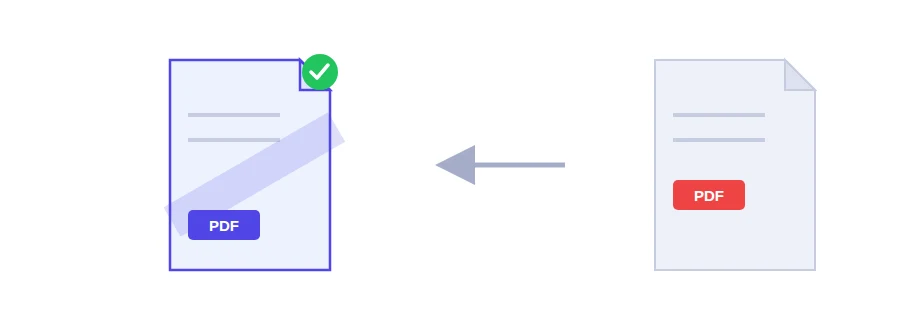
The Jood watermark tool writes the text you choose diagonally across the pages of the file. It all happens in your browser, so the copy of your ID is never uploaded to a server.
Adding the watermark
Choose the PDF from your device. If your ID is a photo from your phone, turn it into a PDF first with the image to PDF tool.
Replace the example text in the field with your own.
Click the button to apply the watermark and download the marked copy.
Words that work as a watermark
"Draft" on a contract or report that is not approved yet, so nobody prints it and passes it around as final.
"Copy" on a document sent for information only.
"Confidential" on an internal document.
"Copy for ..., [date]" on copies of personal papers you add to a visa file or job application.
Short, specific text reads best on the page.
Keep an unmarked original
The watermark is drawn into the page content itself, not added as a layer a PDF reader can hide. That is what makes it useful, but it also means you cannot take it off later. Always keep your clean original and make a fresh marked copy for each recipient.
Marking is not hiding
A watermark sits on top of the document, and everything under it stays readable. If you need a number or an address gone before you send the file, use the redact PDF tool instead, which really removes the text you black out.
FAQ
It is drawn into the page content itself, not added as a layer a PDF reader can switch off. Keep your original, unmarked copy.
We use cookies to measure traffic and improve the site (Google Analytics), and may show ads later. Nothing is enabled without your consent. Privacy policy