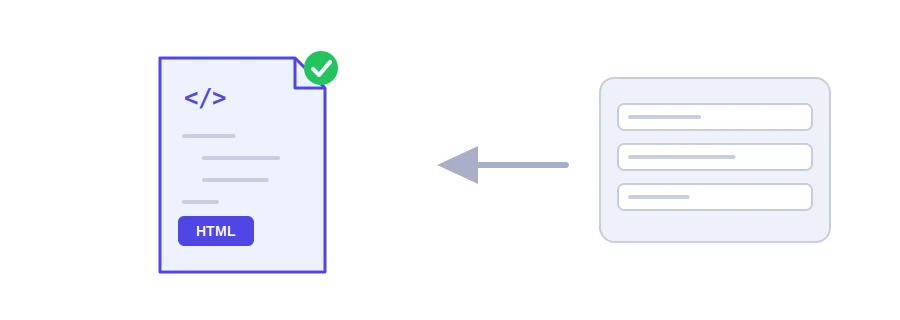
Every page needs a set of tags in its head: the title Google shows, the description, the indexing instructions and the tags used when the page is shared on social networks. Forgetting one, or closing a quote wrongly, is enough to spoil the result. Jood's meta tag generator writes them for you, neatly ordered and ready to paste.
How to use it
Write the "Site Title", the only required field, then the "Site Description".
Add "Keywords" and "Author" if you like, and choose the "Search Robots Directive" and the page's canonical URL. If you want an image in the share preview, paste its link in "Share image link (og:image)".
Click "Start Now", copy the code with "Copy Result" and paste it inside the head tag of your page.
What the code contains
The UTF-8 charset tag first, because the browser needs it early to display accented or Arabic titles correctly, then the mobile viewport tag if you leave that option ticked.
The title, description, author and robots instructions.
Open Graph and Twitter tags with the same title and description, so your link looks decent when people share it. If you give an image link, the tool adds og:image and twitter:image and switches the Twitter card to the large format.
A canonical tag if you give the canonical URL, so Google knows which version of the page counts.
Quotes and symbols are encoded automatically, so the code does not break if your title contains a quotation mark. The tool also warns you if the title runs past 60 characters, if the description runs past 160, or if you left it empty.
Tips that save you time
Keywords really are optional: Google has ignored that tag for years, so do not bother filling it in.
One unique title per page: the same title everywhere confuses search engines and visitors alike.
The description is an invitation to click: two sentences saying what the reader will find, not a list of words. Google sometimes writes its own description from your text.
Be careful with noindex: choose it only for pages you do not want in the results, such as a thank-you page after a purchase.
On WordPress, plugins such as Yoast or Rank Math already write these tags, so do not add them twice.
لا، تتجاهله محركات البحث الكبرى منذ Years ولا تحتاجه.
بين 120 و160 characters تقريباً، يلخص Page ويحفّز على النقر.
داخل وسم head في كل Page، أو في إعدادات SEO إن كنت تستخدم WordPress وإضافة سيو.
We use cookies to measure traffic and improve the site (Google Analytics), and may show ads later. Nothing is enabled without your consent. Privacy policy