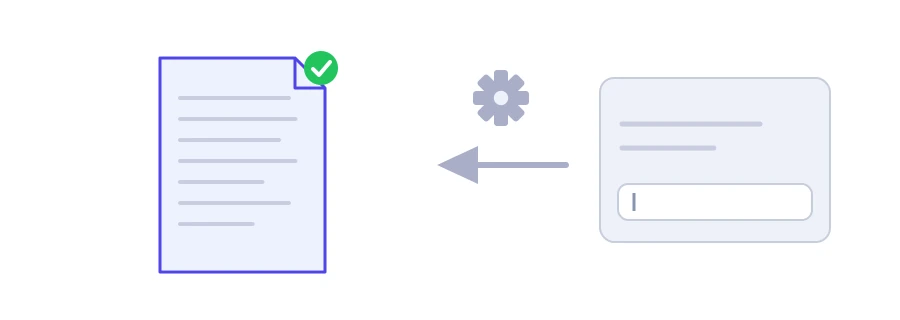
You are designing a web page, a brochure or an app screen, and the real copy has not arrived yet. Empty boxes give no idea of how the final page will look. That is why designers have long used a scrambled Latin text called Lorem Ipsum, taken from a work by Cicero. Since nobody reads it for meaning, it does not distract from the design. Jood's generator gives you as many paragraphs of it as you need, and it can also give you Arabic text for Arabic layouts.
How to use it
Enter the "Paragraph Count", from 1 to 20.
Choose the "Text language": "Latin (Lorem Ipsum)" or "Arabic".
Click "Start Now".
Copy the text with "Copy Result" and paste it into your layout.
The Latin text draws on five different paragraphs and the Arabic text on six, so if you ask for more they repeat from the start. That makes no difference for a mockup, but it does mean the text is no good for anything that needs unique content.
When Lorem Ipsum works well
Mockups of websites and apps in English or any other language written in the Latin alphabet.
Trying out a new font, line length and paragraph spacing.
Filling print templates such as cards and leaflets before the final copy is ready.
For Arabic layouts, use the Arabic text
For a design in Arabic, Latin filler hides the real problems: the right-to-left reading direction, the height and depth of the letters, and the way they connect. A page that looks balanced with Latin text can fall apart once the real text goes in. Choose "Arabic" instead: you get paragraphs of ordinary Arabic sentences, with word and line lengths like those of real copy. For Hebrew or another right-to-left script, the tool has no option, and a genuine paragraph in that language works far better, even as a stand-in.
Before anything goes live, make sure no placeholder text is left behind. A published page with filler text on it looks unfinished to visitors and search engines alike. Search the page for "Lorem" before you hit Publish, or for the first words of the Arabic text if you used it.
To check the length of the text that will replace it, use the word counter. The text is generated on Jood's server and shown straight away, with no account and nothing stored.
FAQ
نص لاتيني مُحرَّف مقتبس of كتابات شيشرون، لا معنى متصلاً له، ويستعمل لملء التصاميم.
لتجارب الشكل نعم، لكن اختبر أيضاً بنص عربي حقيقي لأن اتجاه الكتابة والخط يغيران المظهر.
يظهر الموقع غير مكتمل ويضعف الثقة، فتحقق of إزالته قبل النشر.
We use cookies to measure traffic and improve the site (Google Analytics), and may show ads later. Nothing is enabled without your consent. Privacy policy