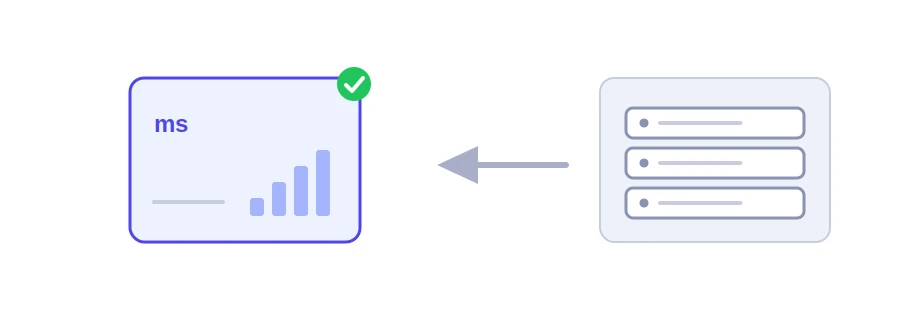
A single server offers many services, and each one has its own numbered door called a port: the website on 80 and 443, email on other ports, remote access on 22. The website can be working while email is broken, or the other way round. Jood's server ping and port test tries to open a connection on the port you choose and tells you whether the server answered, and how fast.
How to use it
In the "Host / Domain / IP" box, type a domain such as example.com or an IP address.
Enter the "Port" number. The default is 80.
Click "Start Now". If the connection succeeds you see "Online and responding" with the response time in milliseconds; otherwise you get the error message.
Not the classic ping, and usually better
The usual ping command sends ICMP messages, which many servers and firewalls ignore, so a working server can look dead. This tool opens a real TCP connection on the port instead, the way a browser or an email app does, and waits four seconds at most. The result answers the question you actually care about: is the service available?
Common ports
80 and 443: websites, the first without encryption and the second with HTTPS.
22: remote access to the server over SSH.
21: file transfer over FTP.
25, 465 and 587: sending email. 993: receiving email over encrypted IMAP.
3306: MySQL databases. If you find it open to everyone on your server, closing it is usually the better choice.
Making sense of the errors
Connection refused comes back fast: the server exists, but nothing is listening on that port, or a firewall rejects the connection outright.
A timeout after a few seconds: the server is down, or a firewall silently drops the request.
The response time measures the distance between Jood's server and the server being tested, not between your device and it.
Internal and private addresses such as 192.168.1.1 are not allowed, for security reasons.
We use cookies to measure traffic and improve the site (Google Analytics), and may show ads later. Nothing is enabled without your consent. Privacy policy