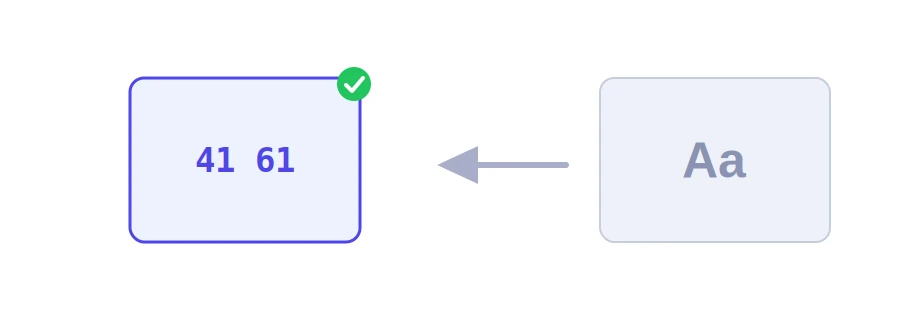
Error logs, developer tools and corrupted files opened in a text editor sometimes show data in hexadecimal, or HEX: pairs of digits and letters from 0 to F, each pair standing for one byte. Jood's converter turns words into those values and back again, so you can see what is really inside the data.
How to use it
Choose "text to HEX" or "HEX to text".
Type the text or paste the values into the input box.
Click "Start Now", then copy the result.
The word Jood becomes 4A 6F 6F 64, while é becomes C3 A9: two bytes for one letter, because accented letters take two bytes in UTF-8, and the euro sign € takes three (E2 82 AC).
Flexible input
Values are accepted in upper or lower case, with or without spaces: c3a9 and C3 A9 mean the same thing.
The 0x prefix used in programming languages is stripped automatically, so 0x4A 0x6F gives Jo.
If the number of digits is odd, or the values do not form valid text, the tool tells you.
These are also the values you see in encoded web addresses, such as %C3%A9. To encode a whole address, use the slug generator and URL encoder.
Not the same as HEX colors
Color codes like #4F46E5 are hexadecimal too, but they stand for red, green and blue levels, not letters. For those, use the HEX to RGB converter. The same tool also offers binary and decimal modes in its list. Your input is sent to Jood's server, converted, and not stored.
We use cookies to measure traffic and improve the site (Google Analytics), and may show ads later. Nothing is enabled without your consent. Privacy policy