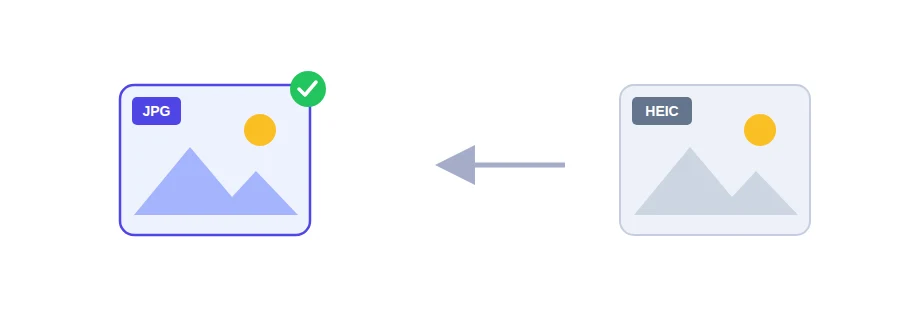
You take a photo of your passport page or a utility bill with your iPhone, move it to your laptop for a visa file or a rental application, and Windows can't open it, or the upload form rejects it. Nothing is wrong with the photo itself. The problem is the format: iPhones often save photos as HEIC, and Windows doesn't always read it, nor do many Android phones or a lot of upload forms, government portals included.
The fix is to turn them into JPG, the most widely compatible image format.
Converting a whole batch at once
Select your HEIC photos. You can pick as many as you like in one go; there is no limit.
Click the convert button.
The JPG files download straight away, ready to upload or send.
Will the photos look worse?
No. The conversion runs at very high quality and you won't see a difference from the original. A different problem can show up afterwards, though: many portals also set a maximum file size. If the form turns the photo down because it is too large, run it through the image compressor. If the form asks for exact pixel dimensions instead, use the image resizer.
Where this usually catches people out
Uploading an ID photo or a picture of a document to a site that doesn't accept HEIC.
Copying family photos to a Windows PC to edit or print them.
Sending pictures to a friend or colleague on Android who can't view them.
Putting several document photos into one file: convert them to JPG first, then use the image to PDF converter.
Your photos never leave your device
Many online tools upload your files to their servers and send the result back. Here the conversion happens inside your browser, on your phone or computer, and the photos are never uploaded. That matters when the pictures show an ID card, an official document or your family.
FAQ
No. The conversion happens entirely in your browser.
Yes. Select as many photos as you like in one go.
Photos are saved at very high quality, and the difference is not noticeable to the eye.
We use cookies to measure traffic and improve the site (Google Analytics), and may show ads later. Nothing is enabled without your consent. Privacy policy