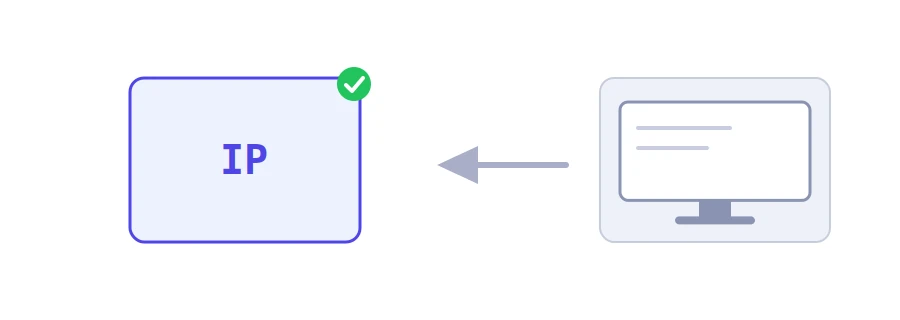
Every site you visit knows the IP address you came from, the kind of browser you use and your device's operating system, without you typing a thing. Jood's "What Is My IP Address" tool shows you that information as the server sees it, with a single click.
How to use it
Open the tool's page and click "Start Now". There is nothing to fill in.
Your public IP address appears in large type.
Below it you see the "Browser" with its version number, the "Operating System", the "Address type" (IPv4 or IPv6), the "Device type", the "Browser language" and the "Protocol". Under them comes the full browser identifier (User-Agent) with a "Copy" button.
What the address you see means
It belongs to your network, not just your device: every device on the same router, at home or at work, shows up to the world with the same address.
It can change: most internet providers hand out changing addresses, so you may see a different one tomorrow or after restarting your router.
On mobile data, a large number of subscribers can share the same address, so it does not single you out.
With a VPN, you see the VPN server's address, which is the quickest way to confirm the VPN is really working.
When you need it
Adding your address to an allow list in your hosting panel, for remote database access or in firewall rules.
Giving your address to technical support when they ask for it, for example if it was blocked by mistake.
Checking that your VPN or proxy hides your real address.
Checking that your address has not changed, when a service only works from an address you registered with it.
About the browser and the system
The tool works them out from the description your browser sends with every request. That is why Windows 10 and Windows 11 appear together: browsers send the same description for both. Edge, Opera, Vivaldi and Samsung Internet are recognized by name; Brave sends the same description as Chrome, so it shows up as Google Chrome, and the tool points this out under the result. And an iPad often appears as macOS, because its browser asks sites for the desktop version. Every site you visit sees this information automatically; the tool simply shows it to you.
We use cookies to measure traffic and improve the site (Google Analytics), and may show ads later. Nothing is enabled without your consent. Privacy policy