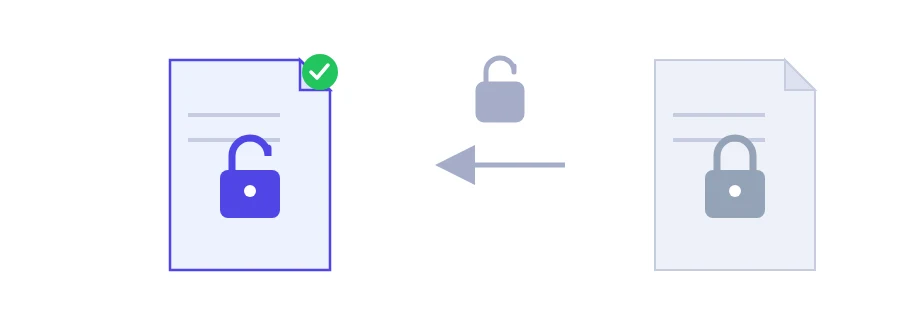
You download a form from a government portal or a statement from your bank. It opens fine, but printing is greyed out, or you can't copy a single paragraph. Or the file is your own: you put a password on it months ago and now you need a copy without it. This tool handles both cases, and each one has limits worth knowing before you start.
Two different kinds of lock
Permission restrictions: the document opens and reads normally, but printing, copying or editing is blocked. The tool can remove these.
An open password: nothing is shown until the password is typed. This one can only be removed if you know the password and enter it in the field.
Removing the lock
Choose the locked PDF.
If the file asks for a password when you open it, type it in the password field.
Click the button to remove the lock and save the new copy.
Nobody can honestly open a PDF without its password
Some sites promise to open any PDF without the password. A file encrypted with an open password stays unreadable without it, and no honest tool will tell you otherwise. If you have forgotten your password, the realistic options are asking the sender for a fresh copy or going back to the unprotected original if you kept one.
Files that aren't yours
Use this on your own documents, or on documents you are authorised to use: a form an office sent you to print, an old file from your own company. Stripping protection that someone else put on a file you have no right to use can land you in legal trouble, and this tool isn't meant for that.
Once the lock is gone
The PDF can be merged or compressed again, for example added to a job application with the PDF merger. If it will travel again with sensitive details inside, put a password back on it with PDF password protection.
Processing happens on Jood's own server: the file is sent there and handled by open-source software, with no third-party service, and the temporary files are deleted afterwards.
FAQ
No, and no honest tool can. Permission restrictions can be removed; a user password, however, is real encryption.
Removing restrictions from a document you own or are authorized to use is generally fine. Bypassing the protection on a document that belongs to someone else may not be. Check your local laws.
We use cookies to measure traffic and improve the site (Google Analytics), and may show ads later. Nothing is enabled without your consent. Privacy policy