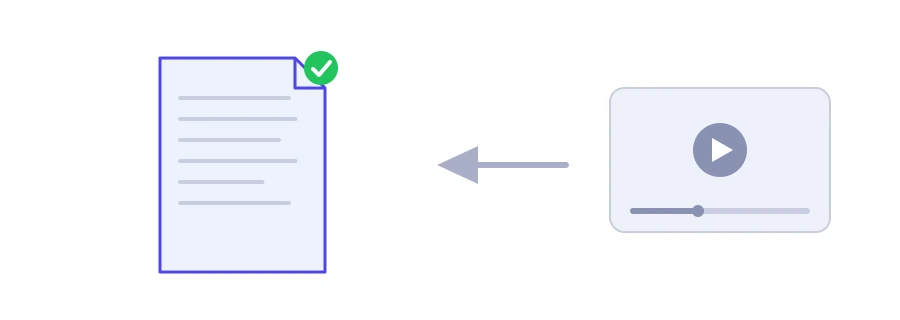
A video's description often holds its most useful part: links to sources, the ingredients of a recipe, chapter timestamps, discount codes. YouTube only shows the first few lines until you expand it, and copying it from the phone app is not always easy. Jood's YouTube description extractor shows the entire description in one box, exactly as the owner wrote it, ready to copy.
How to use it
Copy the video's link and paste it into the "YouTube Video URL" box. Regular links, short youtu.be links and Shorts links are all accepted.
Click "Start Now".
The full description appears in a box under "Results", with a "Copy Result" button to copy it in one go. Above it come the counts of "Words", "Lines", "Links" and "Hashtags"; below it, the list of links found in the description with a "Copy links" button, then the list of hashtags.
If the video has no description, or its data cannot be fetched, a message tells you so. Private or deleted videos cannot be read.
What to do with an extracted description
Keep what matters to you: a list of ingredients, links to tools the creator mentioned or the references of a science explainer, saved in your notes instead of searched for again.
Study channels that do it well: look at what they write in the first two lines, and where they place links, chapters and hashtags.
Recover your own old descriptions: copy one you wrote before and use it as a template for a new video.
Clean up the text: if you only need the words, paste it into the emoji remover.
What makes a good description?
YouTube advises describing the video in the first few lines, because that is what viewers see before they expand the description. It also suggests featuring one or two main words in both the title and the description, and giving each video its own unique description. The limit is 5,000 characters. To get a rough idea of a description's length, paste it into the word and character counter.
Respect the author's work
A description is text written by the channel owner. Quote what you need and name the source, but do not paste someone else's description under your own videos.
We use cookies to measure traffic and improve the site (Google Analytics), and may show ads later. Nothing is enabled without your consent. Privacy policy