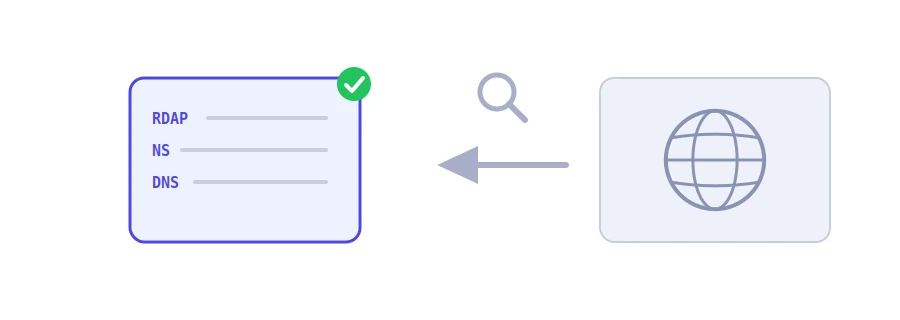
Every domain name is registered through a company called a registrar, for a period that ends on a set date. This data used to be read with the WHOIS service. It has now been replaced by RDAP, the protocol ICANN requires, which returns the same information in a structured, consistent format. Jood's Domain Info and DNS Lookup asks the registry of the domain's extension directly over RDAP, then adds the current DNS records. On one page you see who manages the domain, when it was registered, when it expires and where it points right now.
How to use it
Type the domain in the "Domain Name" box. You can also paste a full address or a subdomain such as mail.example.com: the tool drops www and the path and works its way up to the registered domain.
Click "Start Now".
A table shows the registrar, registration date, domain age, expiry date with the days remaining, last update, name servers, DNSSEC and domain status. Below it you get the "Current DNS records".
Reading the result
Days remaining: green, yellow when 60 days or fewer remain, red if the domain has expired. An expired domain can take its website and e-mail down with it, then go back on sale if nobody renews it.
Domain status: standard English codes, and the tool explains the common ones. client transfer prohibited means transfers to another registrar are locked, which is a normal safety lock. redemption period means the domain has expired but the owner can still get it back, at a higher price.
Registrant: shown only when the registry publishes it. Most registries hide personal data to comply with privacy laws, so do not expect to see the owner's name every time.
Abuse report e-mail: the registrar's address for complaints. This is where you write if you find a phishing site on that domain.
Extensions without RDAP
Not every registry offers the service. Some country extensions, including .ma for now, have no RDAP: the tool tells you so and shows the DNS records only. For the registration data, check that registry's website. If the registry answers that the domain does not exist, the tool says it is most likely free. Some names are reserved or sold at a premium, so check with a registrar before you build plans on it.
When you need it
Before buying a used domain: its age, expiry date and status tell you a lot.
To keep track of your domains: put the expiry date in your calendar before a renewal slips by.
Before moving a domain to another registrar: check that the transfer lock is off.
After changing hosts: make sure the new name servers appear in the registry.
We use cookies to measure traffic and improve the site (Google Analytics), and may show ads later. Nothing is enabled without your consent. Privacy policy