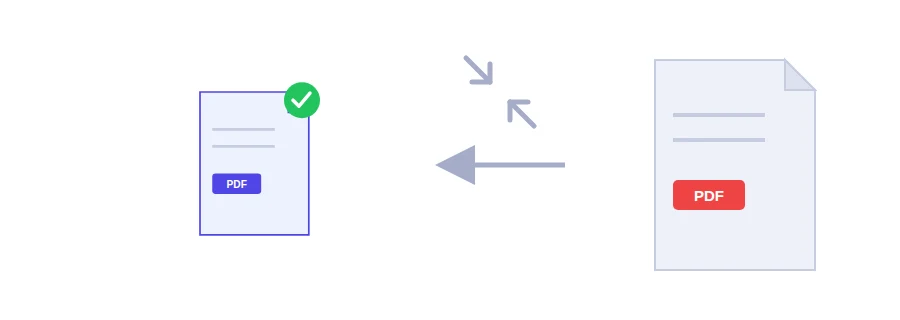
Reduce a PDF’s size to fit an email or upload limit while keeping the document readable. The file is sent to our server for processing, then deleted as soon as it is done.
It happens all the time: an exam platform or an official form sets a maximum file size, say 2 or 5 MB, and your scanned document is much larger. Jood’s PDF compressor shrinks the file while keeping it readable, so your upload or email goes through.
The file is sent to Jood’s server to be compressed, then deleted from the server once processing is finished.
How to compress a PDF in three steps
Choose the file you want to shrink.
Choose a compression level:
Balanced compression (recommended): downsizes heavy images with good quality and removes excess data; text stays real text, selectable and searchable.
High compression: downsizes images further at lower resolution for a much smaller file. Text stays selectable, but images may lose some sharpness.
Click “Compress and save PDF” and download the smaller version.
Tip: start with balanced compression. If the file is still too large, try high compression.
When file size gets in the way
Uploading a scanned certificate or diploma to a platform with a size limit.
Emailing a large file without exceeding the attachment limit.
Sharing a document on WhatsApp or opening it on a phone with a weak connection.
Slimming down an old archive of scanned files that takes up a lot of space.
How much smaller will it get?
It depends on the content. Scanned documents, which are images at heart, usually shrink noticeably. A text file created directly from Word is often light already and won’t change much. If the file cannot be reduced, the tool tells you and gives you back the original file untouched, so you never end up with a bigger copy. And if your large file is a set of separate images before conversion, shrink them first with the image compressor.
What if the file is still large?
If the document was scanned in colour and you don’t need colour, convert it to black and white and compress it again.
If the platform accepts several files, split the document in two with the split PDF tool and upload each part.
Make sure you aren’t uploading pages you don’t need, such as blank or duplicate ones; removing them lightens the file straight away.
What happens to your file during compression
Your file is sent to Jood’s own server and compressed there by Ghostscript, open-source software installed on that server, without going through any outside service. It is processed in a temporary folder that is deleted when the operation ends. Still, if your document is highly sensitive, avoid uploading it to any website, this one included.
FAQ
It depends entirely on the file’s content. Image-heavy scanned documents shrink a lot, while a short text-only PDF may barely change because it has little redundancy to remove.
With the balanced setting, yes. High compression re-encodes every page as an image, so the text layer is lost.
We use cookies to measure traffic and improve the site (Google Analytics), and may show ads later. Nothing is enabled without your consent. Privacy policy