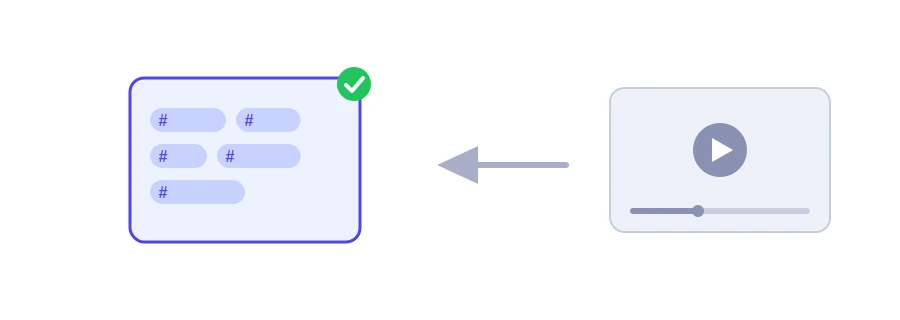
On YouTube, hashtags are words starting with the # sign that the owner puts in the title or description. They become links to a page of other videos carrying the same hashtag. Jood's YouTube hashtag extractor collects them from both the title and the description, so you do not have to read the whole description line by line.
How to use it
Paste the video's link into the "YouTube Video URL" box. Regular links, short youtu.be links and Shorts links are all accepted.
Click "Start Now".
The hashtags appear in one box, separated by spaces, with a "Copy Result" button, and below it each hashtag on its own chip.
Each hashtag appears only once, even if the description repeats it. If the box stays empty, the video has no hashtags in its title or description. A # sign inside a link is not treated as a hashtag, so no piece of a link slips into the list.
Hashtags are not tags
The two are often confused. Tags are hidden words the owner types in the video settings, and viewers never see them; the YouTube tag extractor reads those. Hashtags are visible and clickable, and YouTube shows up to three of them by the video title, picked among the most engaging ones.
What other creators' hashtags can teach you
How many they use: do they stick to a few precise ones, or add a lot?
Which forms they choose: a single word, joined words such as #LearnToCode, or the channel's own name.
Where they put them: in the title, at the start of the description or at the end.
YouTube's rules for hashtags
A hashtag contains no spaces.
If a video has more than 60 hashtags, YouTube ignores all of them.
Misleading hashtags, or ones unrelated to the video, can lead to the video being removed.
So do not copy someone else's hashtags as they are. Keep the ones that truly describe your video, or build a fresh list with the YouTube hashtag generator.
We use cookies to measure traffic and improve the site (Google Analytics), and may show ads later. Nothing is enabled without your consent. Privacy policy