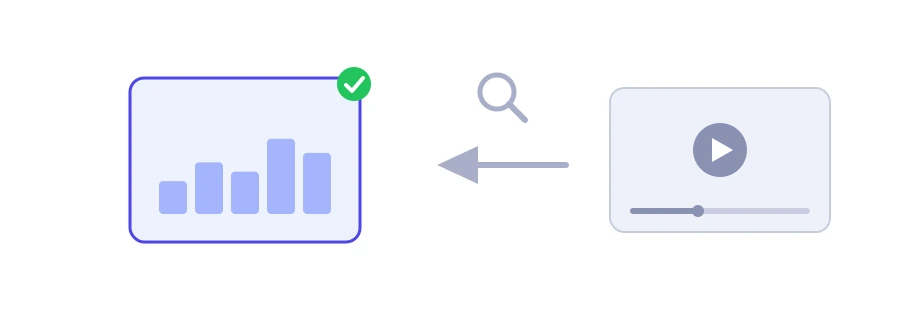
Before you make a video on a topic, it helps to know what the successful ones look like: how many views they got, how long they are, and whether their owners bother with tags and descriptions. Jood's YouTube video statistics tool gathers these numbers from a single link.
How to use it
Paste the video's link into the "YouTube Video URL" box. Regular links, short youtu.be links and Shorts links are all accepted.
Click "Start Now".
At the top you see the video title, the "Channel" and the "Publish date", then four boxes: "Views", "Duration", "Tags" and "Words".
What do the four numbers mean?
Views: the view count YouTube shows publicly at the moment you check.
Duration: the length of the video in minutes and seconds, and in hours too if it runs longer than an hour.
Tags: the number of hidden tags the owner added. Zero means they added none.
Words: the number of words in the description. It is an approximate figure, because links and emojis separated by spaces also count as words.
If the tool cannot get a value, it shows "Unavailable" in its place instead of making up a number. The tool does not show likes, comments or subscriber counts.
How to put it to use
Compare videos in your niche: note the numbers of ten popular videos in a spreadsheet and see whether they lean long or short.
See how others work: do they write long, detailed descriptions, or settle for two lines?
Track your own videos: check a video after a week, then after a month, and write the numbers down to see how fast it grows.
What views do not tell you
A view count does not tell you how long people stayed, or how many clicked after seeing the thumbnail. Those numbers, often the more important ones, are only available for your own videos, in YouTube Studio under Analytics.
We use cookies to measure traffic and improve the site (Google Analytics), and may show ads later. Nothing is enabled without your consent. Privacy policy