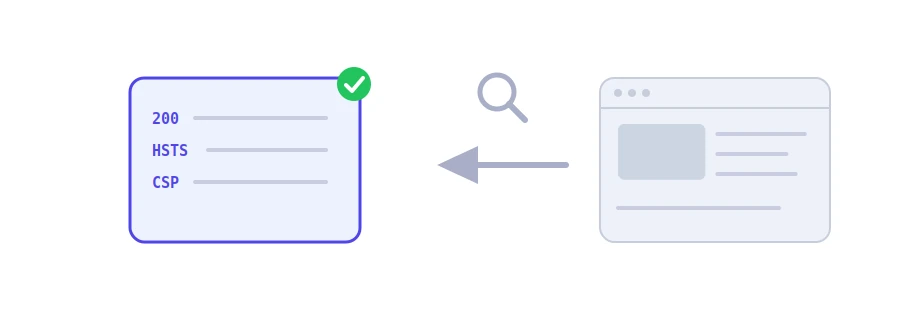
Before sending a single image or line of text, a server answers the browser with a few short lines called HTTP headers: the status code, the content type, how long to cache, security instructions and more. Visitors never see them, yet they decide how your site loads, how it is protected and how it gets indexed. Jood's HTTP headers checker shows them to you exactly as they are.
How to use it
Paste the full address into the "Enter Page URL" box, with https:// or http:// at the start.
Click "Start Now".
You get the "HTTP Status Code" and the "Response Time", then every header as the server sent it.
The tool asks for the headers only, without the page content, and does not follow redirects: you see the response of the exact address you typed. Enter the http:// version of a site that redirects to https and you will see the 301 code and the Location header holding the new address.
Headers worth a look
Location: where a 301 or 302 redirect leads. Make sure it points to the right address.
X-Robots-Tag: if it contains noindex, search engines will not index the page. A common slip after a staging site goes live.
Cache-Control, Expires and Last-Modified: how long the browser and intermediaries keep a copy of the page.
Content-Type: the content type and its encoding, such as text/html; charset=UTF-8. Get the encoding wrong and accented letters turn into garbage.
Strict-Transport-Security, X-Content-Type-Options and X-Frame-Options: security headers that force HTTPS, stop the browser from guessing file types and prevent your site from being shown inside a frame on another site.
Server and X-Powered-By: they can reveal the software running your site and its version, which is often better hidden.
Set-Cookie: check that sensitive cookies carry Secure and HttpOnly.
Before you draw conclusions
The response time is measured from Jood's server and includes the address lookup, the connection and encryption, so it is a rough indicator, not your site's speed for your visitors.
The request does not ask for compressed content, so do not use it to find out whether gzip compression is on.
Some servers answer a headers-only request differently, for example with a 405 code. In that case, try the HTTP status code and redirect checker, which retries with a normal request.
We use cookies to measure traffic and improve the site (Google Analytics), and may show ads later. Nothing is enabled without your consent. Privacy policy