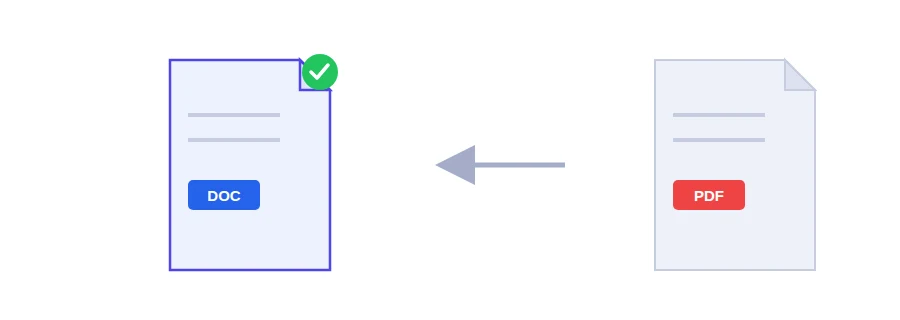
A cover letter you saved as PDF and now need to update, a supplier's quote with one wrong figure, an old report whose Word original is long gone. Retyping all of it takes ages. Jood's PDF to Word tool turns the file into a real .docx document that you open in Word and edit like any other.
Two steps to a .docx
Choose your PDF.
Click the convert button and wait until the conversion finishes and the Word file downloads.
The result opens in Microsoft Word, LibreOffice or Google Docs.
Where the conversion actually happens
Some Jood tools work entirely in your browser. This one does not. Your PDF is sent to Jood's own server, where LibreOffice, an open-source program installed there, converts it. No outside service is involved. The file is processed in a temporary folder that is deleted once the conversion is finished.
If the server's conversion engine happens to be unavailable, the page falls back to extracting the text in your browser. You still get a document, but a simpler one containing only the text, without the formatting.
What comes through well, and what may need fixing
The text and its reading order are kept, which covers most letters, forms and plain reports.
Multi-column pages, tables and images floating around the text are often not reproduced exactly. Expect to tidy those parts by hand.
If all you need is the figures from a table, the PDF to Excel tool is a better fit.
Scanned PDFs need OCR first
A PDF made with a scanner or a phone camera is just pictures of pages, even when it looks like text. There is no actual text inside to convert, so the Word file comes out empty or nearly empty. Run it through the PDF OCR tool first to add a text layer, then convert it.
After editing, send it back as a PDF
Once your changes are made, sending the document as a PDF rather than a .docx is usually the better choice: the recipient sees the same fonts and page breaks whatever software they use. The Word to PDF converter handles that last step.
FAQ
The text and reading order are preserved. Complex multi-column layouts, tables and floating images are usually not fully preserved.
Most likely the PDF is a scanned image. Run it through the OCR tool first.
We use cookies to measure traffic and improve the site (Google Analytics), and may show ads later. Nothing is enabled without your consent. Privacy policy