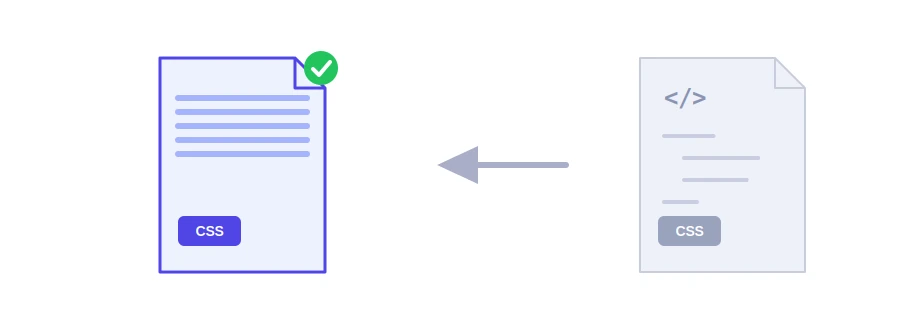
The stylesheet you write is full of spaces, blank lines and comments. You need them while editing, but the browser does not, and every visitor downloads them anyway. Jood's CSS minifier strips that padding out and hands you a smaller file that behaves exactly the same.
Size matters more here than it seems: browsers hold off on displaying a page until the stylesheets linked in its head have loaded, so every kilobyte you cut brings that first view a little closer for your visitor, especially on a slow mobile connection.
How to use it
Paste your CSS into the box, up to 2 MB.
Click "Start Now".
Copy the minified code with "Copy Result" and save it as a separate file, such as style.min.css.
What goes and what stays
Removed: comments, unneeded spaces and line breaks, and the last semicolon before each closing brace.
Kept exactly: quoted text such as font names, and the contents of url() for images and fonts, so no path breaks.
License comments starting with /*! stay, because some libraries require them.
For example, ".card { color: #ffffff; padding: 0px 10px; }" becomes ".card{color:#ffffff;padding:0px 10px}".
What the tool does not do
It removes the extras without rewriting values: #ffffff stays #ffffff rather than becoming #fff, and 0px is not turned into 0. It also does not merge duplicate rules or drop styles your pages never use. Those optimizations need dedicated build tools such as cssnano and mostly pay off on large projects. For a regular site or a small theme, removing whitespace and comments is where most of the gain is.
Two tips
Always keep the readable original for editing and publish only the minified copy.
Minifying works alongside the gzip compression your server applies, not instead of it, so use both.
For JavaScript, use the JavaScript minifier, and for pages, the HTML minifier. Your code is sent to Jood's server, minified, and not stored.
FAQ
لا، يحذف ما لا يؤثر في Width فقط. اختبر Page مع ذلك بعد الرفع.
الأفضل لا. عدّل الأصل المقروء ثم أعد التصغير.
لا، هما متكاملان ويفضّل استعمالهما معاً.
We use cookies to measure traffic and improve the site (Google Analytics), and may show ads later. Nothing is enabled without your consent. Privacy policy