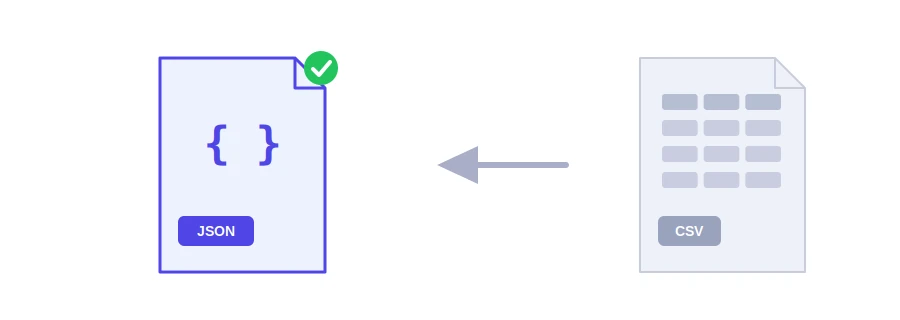
You have a list of products or customers in Excel or Google Sheets and you need it in a web app, an API or a data file for a JavaScript chart. Those speak JSON, not spreadsheets. Jood's CSV to JSON converter takes the text of a CSV file and returns a neatly formatted JSON array: each row becomes an object, and the column names become its keys.
How to use it
Export your sheet as CSV, open the file in a text editor and copy its contents.
Paste them into the "Input Data" box, up to 2 MB, then click "Start Now".
Copy the JSON with "Copy Result".
The first line must hold the column names. If your sheet starts with name,phone,price and the next line is Sara,0612345678,12.5, that row becomes an object like {"name": "Sara", "phone": "0612345678", "price": 12.5}.
What the tool takes care of
The delimiter: it detects commas, semicolons, tabs and vertical bars on its own. Excel set to a European language such as French exports with semicolons, and that changes nothing. It also understands the sep=; line some programs put at the top of the file.
Tricky cells: a cell wrapped in double quotes can contain the delimiter itself or a line break and still count as one cell.
Columns: a column with no name gets one like column_3, a duplicate name becomes something like name_2, and extra cells on a row are not lost but get new names. A missing cell becomes an empty string.
Characters: Arabic and accented letters appear as they are in the JSON, not as codes like é. Blank lines are skipped.
Why some numbers stay text
The tool turns into JSON numbers only values that can mean one thing, such as 10 or 3.5. Values that would lose something as numbers stay text: the phone number 0612345678 would lose its leading zero, 007 would become 7, +212600000000 would lose its plus sign, and very long IDs could lose precision in JavaScript. The same goes for numbers written with a decimal comma like 12,50, numbers ending in zero like 99.90, and the words true and false. If you need them as numbers, convert them in your code, where you know what each column holds.
Two tips
If accents or Arabic letters look garbled when you open the CSV, save it again from Excel as CSV UTF-8, then copy its contents.
Check the first line before converting: column names become keys in your code, so short, clear names like price work best.
For XML files, use the XML to JSON converter. Your data is sent to Jood's server, converted, and not stored.
FAQ
الفاصلة والفاصلة المنقوطة، وهما Most used في ملفات Excel.
الملف ليس بترميز UTF-8. أعد حفظه بهذا الترميز of Excel أو of محرر نصوص.
نعم، الصف الأول يُستعمل أسماء للحقول في JSON.
We use cookies to measure traffic and improve the site (Google Analytics), and may show ads later. Nothing is enabled without your consent. Privacy policy