Tools
PDF Tools 34
Image Tools 5
AI Writing 13
Text Tools 13
SEO and websites 22
YouTube and video 13
Calculators and converters 17
Developer Tools 13
Other tools 2
Scanner Blog
Language

YouTube Title Extractor

Extract a video’s title and analyze its length and SEO quality.

Accepts standard watch URLs, short links and Shorts links.

Related tools

All tools in this group
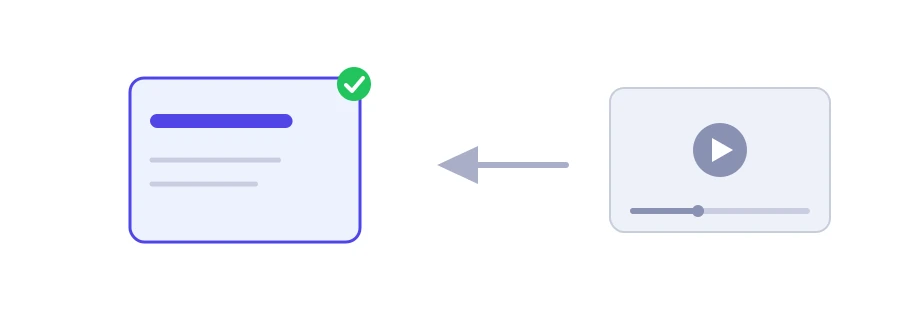
Illustration of a YouTube video link turned into a copyable title

A video's title exactly as its creator wrote it, in one click

Copying a video title from the YouTube app on a phone is not always easy, long titles get cut off in lists, and emoji sometimes get lost when you copy and paste. Jood's YouTube title extractor gives you the full title exactly as it is, with a quick rating of its length.

How to use it

  1. Paste the video's link into the "YouTube Video URL" box. Regular links, short links and Shorts links all work.
  2. Click "Start Now".
  3. The "SEO Grade" for the length appears, then the title in a box with a "Copy" button.

What the grade means

  • Optimal: the title is between 40 and 70 characters. That is enough to describe the video, and it usually shows in full in search and on mobile.
  • Too long: more than 70 characters. YouTube accepts up to 100, but the end may disappear in lists and on small screens, so put the important words first.
  • Short: under 40 characters. Sometimes that is intentional, but it is often a missed chance to add a word that describes the content precisely.

These are rough guides for a quick read, not a strict YouTube rule.

When the tool helps

  • Studying competitors: collect the titles of the most-watched videos in your niche in a spreadsheet, and look at their length, their wording and the words they open with.
  • Quoting and referencing: when you mention a video in an article, a paper or a playlist, you need its exact title.
  • Improving your older videos: pull your own titles and review the ones that are too short or too long.

To come up with new titles, use the YouTube title generator, and to copy a full description, the YouTube description extractor.