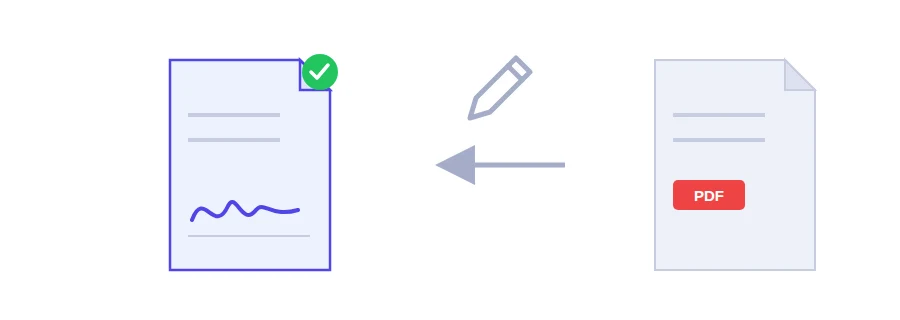
A rental application, an offer letter, a consent form for your child's school trip: it arrives by email with a short note saying "please sign and return". The usual routine is print, sign with a pen, scan, send. Jood's signing tool cuts that down to drawing your signature on the screen and downloading the signed file.
How to add your signature
Choose the PDF you need to sign.
Draw your signature in the signature pad with a mouse, a touchpad, or your finger on a phone. If it comes out wrong, clear it and draw it again.
Press the sign and download button. The signed copy is saved to your device.
Where the signature lands
The signature always goes at the bottom of the last page. There is no setting to move it. For most contracts, letters and declarations that is exactly where a signature belongs. If your document needs a signature on a page in the middle, or inside a specific box, this tool will not put it there.
One practical tip: draw slowly and fairly large. A signature scribbled quickly with a mouse tends to look shaky.
A signature image, not a certified e-signature
What the tool adds is a picture of your signature on the page, the same as signing on paper and scanning it. That covers the common case where someone just needs a copy with your signature on it. It is not a qualified or certified electronic signature, which relies on a certificate issued by a trusted authority. If the organisation receiving the file asks for that kind of signature, check what they accept before you send it.
Before you hit send
If the document is a form, do it in this order: fill it in, run it through the flatten PDF tool so your answers become part of the page (flattening is done on Jood's server), and only then sign it. That way the signed file never leaves your device.
Need the signed document and a copy of your ID in one file? Combine them with the merge PDF tool.
Your document never leaves the browser
Signing happens inside your browser. Neither the PDF nor the drawing of your signature is uploaded to any server. Many online tools upload your file to their servers to process it, and a signature is one thing you don't want copies of sitting somewhere else.
FAQ
No. This places a visible image of your signature. A qualified electronic signature requires a certificate from a trusted authority and is a different matter. Check what your situation requires.
We use cookies to measure traffic and improve the site (Google Analytics), and may show ads later. Nothing is enabled without your consent. Privacy policy