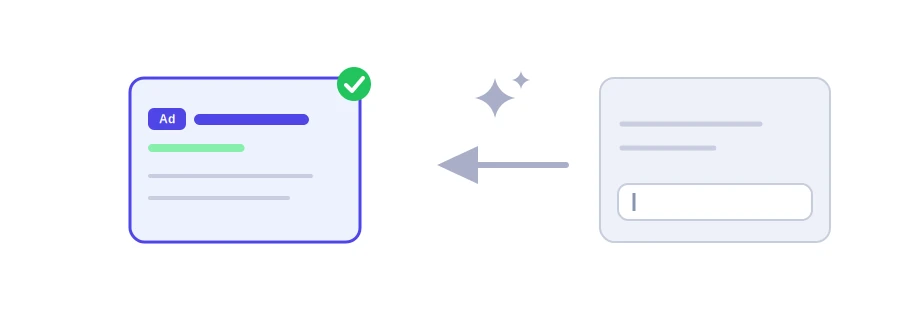
A Google search ad is written in a very small space: up to 30 characters per headline and 90 per description. Jood's AI Google Ads headline generator gives you three headlines and two descriptions with those limits in mind, using Google's Gemini service. That is exactly the minimum Google asks for in a responsive search ad.
How to use it
Describe what you are advertising in the "Prompt / Topic / Input Text" box: the service, the city, what sets you apart, for example "driving school in Meknes, evening lessons, fair prices".
Choose the "Language" your customers search in.
Click "Start Now", then copy the headlines and descriptions.
Count the characters before you paste
AI does not always count characters precisely, and a headline may run a few characters over. Paste each headline into the word and character counter and trim anything above 30 characters, or 90 for descriptions. Google Ads rejects a headline that is too long anyway.
Getting more from the ad
Add more headlines: a responsive search ad accepts up to 15 headlines and 4 descriptions, and Google combines the best ones for each search. Run the tool a few times to collect more ideas.
Vary the headlines: one with the searched keyword, one with a benefit, one with a call to action. Similar headlines give Google nothing to choose from.
Do not rely on display order: the second and third headlines, and the second description, are not guaranteed to show, so each headline must make sense on its own.
Be honest about the offer: any price or discount in the ad must also appear on the landing page.
Good to know
Your description is sent to Google Gemini, so keep confidential information out of it. The site's key has a daily allowance, and you can add your own free key from Google AI Studio in the "Your API key" box. Visitors from the European Union, Switzerland and the United Kingdom need their own key under Google's terms for free keys.
We use cookies to measure traffic and improve the site (Google Analytics), and may show ads later. Nothing is enabled without your consent. Privacy policy