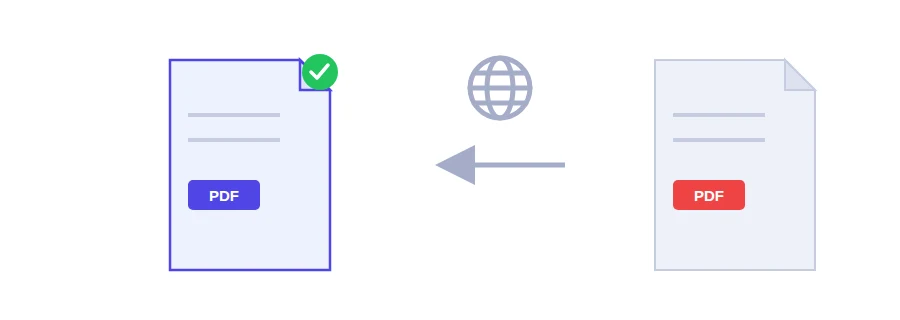
A document you need to understand, in a language you don't read
A reply from a university abroad about your application, the manual for a device that came without an English version, a letter from a supplier in Germany. Before you answer or sign anything, you need to know what it says. Jood's PDF translator takes the text of the file, up to 10 pages, and gives it back in the language you choose.
Translate a PDF in three steps
Choose one PDF file.
Pick the target language from the list.
Click the translate button. The translated parts appear as they come back.
The target languages are Arabic, English, French, Spanish, German and Turkish. So you can read a French or Spanish letter in English, or turn a note you wrote in English into French for a colleague.
Without a key of your own, you can translate 3 documents a day. If you need more, an optional field takes your own free Gemini key from Google AI Studio. It lifts the daily limit and is saved only in your browser.
The 10-page limit and how to work with it
Your browser extracts the text, and the first 10 pages, up to about 30,000 characters, are translated part by part. A progress message tells you where it is, such as part 3 of 7, and each part shows up as soon as it is translated, so you can start reading before the end. If one part fails, the parts already translated stay on screen. If the document is longer, the page tells you which pages were covered. For the rest, cut the file into parts of ten pages or fewer with Split PDF and translate each part.
Why the result looks different from your PDF
The translation keeps your paragraphs and numbering, but it does not rebuild the original page layout. You get translated text that you can copy or download, not a copy of the page with its logo, boxes and columns in place. That is enough to understand the content or reuse it. If you need a document that looks like the original, you will have to format it yourself.
Scanned files and private documents
A scanned PDF is only images, so there is no text to translate. Run it through OCR PDF first.
The extracted text, not the file, goes through Jood's server to Google Gemini, which does the translation. Don't use this tool for confidential documents or anything with sensitive personal data.
If you can read the language but the document is long, summarizing the PDF gets you the main points faster.
FAQ
Your browser extracts the text from the PDF, and only that text is passed through Jood's server to Google Gemini, which translates it. The file itself is not sent, but the text does leave your device, so avoid the tool for confidential documents.
It translates up to the first 10 pages, about 30,000 characters, part by part, and shows each part as it comes back. If the document is longer, the page tells you which pages were covered, and you can split the file to translate the rest.
Yes. Without a key of your own, each visitor can translate 3 documents a day. An optional field accepts your own free Gemini key from Google AI Studio. It lifts the daily limit and is saved only in your browser.
Six target languages: Arabic, English, French, Spanish, German and Turkish. Paragraphs and numbering are kept, but the original page layout is not rebuilt. You get translated text that you can copy or download.
We use cookies to measure traffic and improve the site (Google Analytics), and may show ads later. Nothing is enabled without your consent. Privacy policy