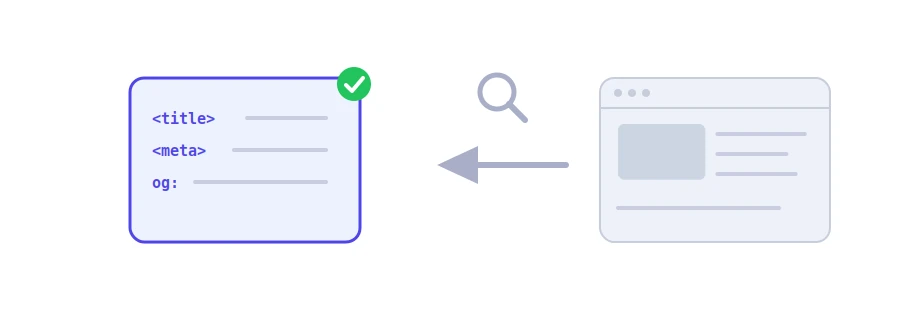
The title shown in Google's results, the description under it and the indexing instructions are all written in the page's head, where visitors never see them. A small mistake there, such as a missing description or a noindex left over from testing, can cost you a lot of visitors. Jood's meta tag analyzer reads your page and shows those tags with clear remarks.
How to use it
Paste the page's full address into the "Enter Page URL" box, with https:// at the start.
Click "Start Now".
You get a color-coded "Status Overview", then a table with the title, the description, the length of each, the robots directives and the Open Graph title.
What the tool checks
The title tag: whether it exists and how long it is in characters. The suggested length is 30 to 60 characters.
The meta description: whether it exists, with a suggested length of 70 to 160 characters.
Robots directives: the value of the robots tag, with a red alert if it contains noindex, because the page will not appear in search results.
The Open Graph title: the one shown when the link is shared on Facebook, WhatsApp or LinkedIn. If it is missing, each app picks a title on its own.
The tool follows up to four redirects, shows the final address it analyzed, and handles pages encoded in something other than UTF-8.
How to read the results
The suggested lengths are approximate. Google cuts titles by the width they take on screen, not by character count, and may write a different description from your page's text if it thinks that suits the search better.
The tool reads the page's code as the server sends it, without running JavaScript. If your site adds its tags with JavaScript, they may not show up here, and search engines may also take longer to pick them up.
If the site answers with an error code such as 404 or 500, the tool reports that code instead of the analysis.
Fix the tags, then run the check again. If your site uses a caching plugin or Cloudflare, clear the cache first so your changes show up.
وسم noindex في meta robots. إن وجدته في Page تريدها في Results فاحذفه فوراً.
نعم، أي Page عامة يمكن الوصول إليها دون تسجيل دخول، برابط يبدأ بـ http أو https.
نحو 50 إلى 60 characters حتى لا يُقتطع في نتائج البحث.
We use cookies to measure traffic and improve the site (Google Analytics), and may show ads later. Nothing is enabled without your consent. Privacy policy