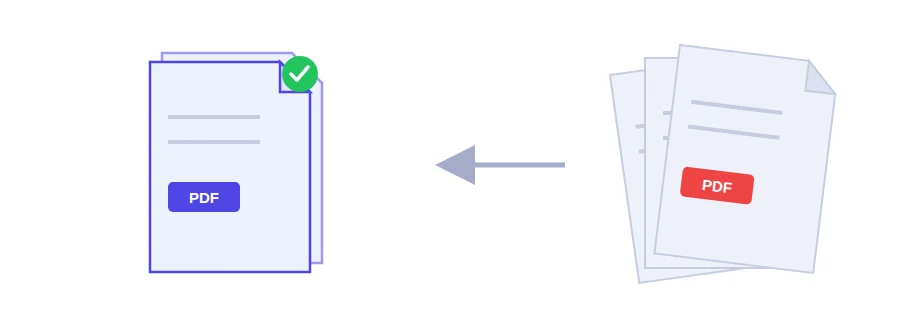
Got several PDFs but the form only takes one file?
It happens all the time with a job or rental application: your ID scan is one PDF, the proof of address is another, last month's payslip is a third, and the upload form accepts a single file. Jood's merge tool is built for exactly that. You put the files in the order you want and get one tidy PDF, ready to send.
The merging happens inside your browser, on your own device. Nothing is uploaded to a server, which matters when the documents are personal or official.
Merging PDFs in three steps
Click the upload area or drag your files onto it. You can pick several at once.
Drag the files into the order you need. The first file in the list supplies the first pages of the result.
Click the merge button and the combined PDF starts downloading straight away.
Sort these out before you merge
If your documents are photos (JPG or PNG) rather than PDFs, turn them into PDF first with the image to PDF converter, then merge.
File order and page order are two different things. To move pages around inside the merged document, use the PDF page organizer.
The tool sets no page limit of its own. The only ceiling is your device's memory.
Where it saves you time
A visa file or application where every supporting document has to go in one attachment.
Pages scanned one at a time that should print as a single document.
The month's invoices and utility bills kept together in one file for your records.
A report put together from sections each colleague sent separately.
If the merged file is too big for your email's attachment limit, run it through the PDF compressor afterwards.
Your files never leave your device
Many online tools upload your files to their servers, merge them there and send the result back. On Jood the whole job runs in the browser, so there is no waiting for uploads and no copy left sitting with anyone else. You don't need an account or any software either.
FAQ
No. The only practical limit is your device’s memory, because the process runs locally, not on a server.
No. Merging happens entirely in your browser. Your files are never transferred.
Yes. Reorder the files in the list before merging, and the pages will follow that order.
We use cookies to measure traffic and improve the site (Google Analytics), and may show ads later. Nothing is enabled without your consent. Privacy policy