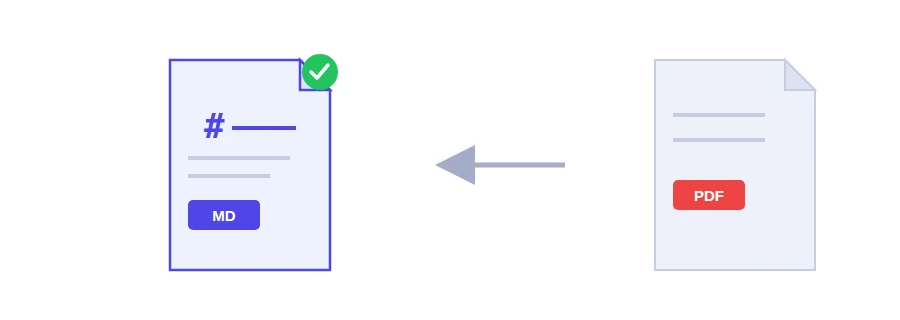
Convert a PDF to Markdown, ready for an internal wiki, a README file or a static site.
Instantly convert your documents, spreadsheets, presentations, and PDFs into clean, structured Markdown text

An internal process guide that belongs in your team wiki, technical documentation headed for a GitHub repository, lecture notes you want in your note-taking app. Copying and pasting from a PDF usually gives you one long block with the headings gone and line breaks in odd places. This tool extracts the text and keeps headings and paragraph breaks as Markdown.
Markdown itself is plain text with light conventions: a line starting with # is a heading, a blank line separates paragraphs. It reads fine in any text editor and renders properly wherever it is supported.
Only text is extracted; images and diagrams are not exported. Pull them out separately with Extract images from PDF, or turn the relevant pages into pictures with PDF to JPG, then add them back by hand.
A PDF made by a scanner or a phone camera is only images. In that case the tool runs OCR in Arabic and English automatically on the first 30 pages, then turns the text into Markdown. Accuracy depends on the scan quality. For a longer file, run it through OCR PDF first, then convert the result.
If your original is a Word or Excel file, skip the PDF step: the Convert files to Markdown tool accepts it directly and keeps its tables.
Conversion runs on the Jood server so that OCR and table reading are possible. Your original file is deleted as soon as the conversion ends, and the Markdown text is removed from the server once it reaches your browser.
Convert a PDF to Markdown, ready for an internal wiki, a README file or a static site.
We use cookies to measure traffic and improve the site (Google Analytics), and may show ads later. Nothing is enabled without your consent. Privacy policy