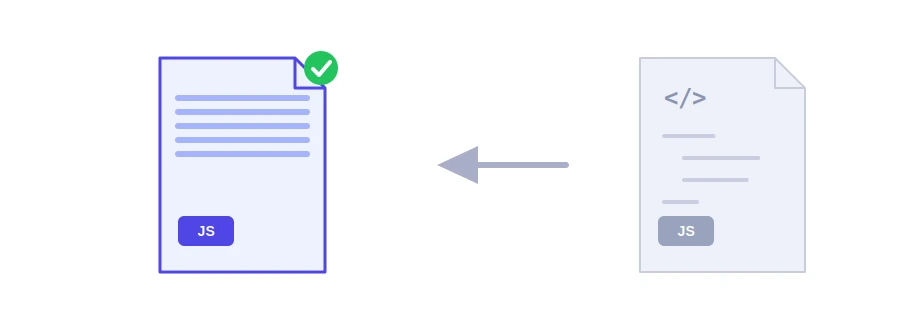
Lighter JavaScript that does exactly the same thing
Indentation, comments and blank lines make JavaScript pleasant to read, for you and for anyone working with you. The browser needs none of it, yet every visitor downloads it anyway. Jood's JavaScript minifier removes that extra weight and gives you a smaller version that works the same way.
How to use it
Paste your code into the "Source Code" box, up to 2 MB.
Click "Start Now".
Copy the output with "Copy Result" and save it as a separate file, such as app.min.js.
What changes in your code
Comments, single-line and block, are removed, except license comments starting with /*!, which stay as they are.
Spaces and indentation go away, apart from the space needed between two words, as in return total.
Strings, template literals and regular expressions are left untouched. A URL containing // inside a string is never mistaken for a comment.
In our test, a short function with two comments and ordinary indentation went from 182 bytes to 107, about 40% smaller.
Why some line breaks stay
The result is not always a single line, and that is on purpose. JavaScript lets you write code without a semicolon at the end of each line, and then the line break is what marks the end of a statement. Removing it could glue two statements together, which would change what the code does or cause an error. So the tool only removes a line break where it is sure nothing changes, for example after a semicolon or an opening bracket, and keeps it everywhere else.
What the tool does not do
It does not rename variables to short letters, does not remove unused code and does not check for errors: a mistake in the original will still be there in the minified copy. Dedicated tools like Terser go further and produce smaller files, and build tools such as webpack or Vite minify the production build automatically. For a small script on your site, a snippet added to a WordPress theme or a file that never goes through a build step, this tool is the quickest route.
Before you publish
Keep the original for editing and never edit the minified copy by hand.
Test the page after swapping the file, and open the browser's developer tools to make sure no new errors show up in the console.
For stylesheets, use the CSS minifier, and for web pages, the HTML minifier. Your code is sent to Jood's server, minified, and not stored.
FAQ
لا يفترض ذلك. لكن الكود الذي يعتمد على إدراج الفاصلة المنقوطة التلقائي قد يتعطل، فاختبره.
التصغير يقلل الحجم فقط، أما التشويش فيصعّب قراءة الكود عمداً.
تأتي المكتبات المعروفة بنسخ مصغرة جاهزة (min.js) فاستعملها بدل تصغيرها بنفسك.
We use cookies to measure traffic and improve the site (Google Analytics), and may show ads later. Nothing is enabled without your consent. Privacy policy