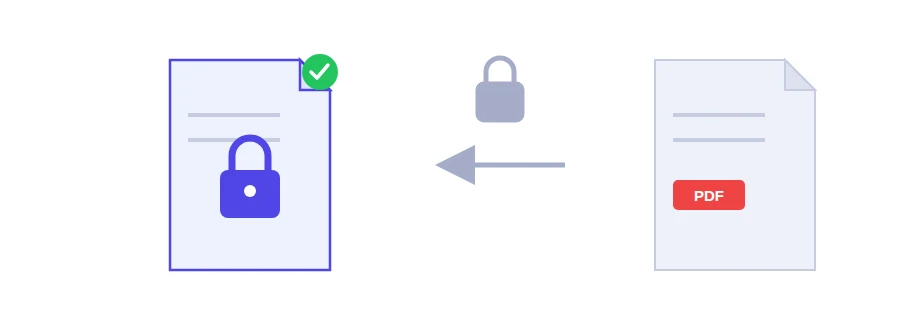
A bank statement for a rental application, a signed employment contract, a passport scan for a visa file. Once an email leaves your outbox, it can be forwarded by mistake, sit in someone's inbox for years, or stay open on a phone that gets lost. A password on the PDF locks the file itself: without it, whoever ends up with the file sees nothing.
Adding a password in three steps
Choose your PDF.
Type the password in the field. Pick something long and hard to guess, not a birth date or 123456.
Click the encrypt button, then save the protected file.
Real AES-256 encryption, and what it means for you
The file is encrypted with AES-256 using qpdf. This is not a prompt that a clever reader can skip past: the content itself becomes unreadable without the password.
The other side of that is just as real: forget the password and the document is gone. Nobody can recover it, Jood included. Write the password down somewhere safe and keep the unencrypted original on your side.
Never put the password in the same email
A very common mistake is attaching the protected PDF and typing the password in the body of the same message. Anyone who gets into that email has both, and the protection is worth nothing. Send the file by email and the password by text message or over the phone. Two separate channels are enough to avoid most problems.
Protect last, not first
An encrypted PDF may be refused by other tools until it has been opened with its password. So combine your documents with the PDF merger first, shrink the result with PDF compression if it is too heavy to attach, and add the password at the very end.
If you only need to hide one line, such as an account number, from someone who will read everything else, a password won't help: whoever has it sees the whole document. That is a job for PDF redaction.
Where the encryption happens
This tool runs on Jood's own server, not in your browser. Your file is sent there and encrypted by qpdf, an open-source program, with no third-party service involved. It is processed in a temporary folder that is deleted afterwards.
FAQ
The document cannot be recovered. That is the whole point of encryption. Store the password somewhere safe before sending the file.
Real encryption needs an engine that the site owner has to enable. Rather than hand you a file that looks protected but is not, the tool refuses to run until that engine is available — and it is already enabled on this site.
We use cookies to measure traffic and improve the site (Google Analytics), and may show ads later. Nothing is enabled without your consent. Privacy policy