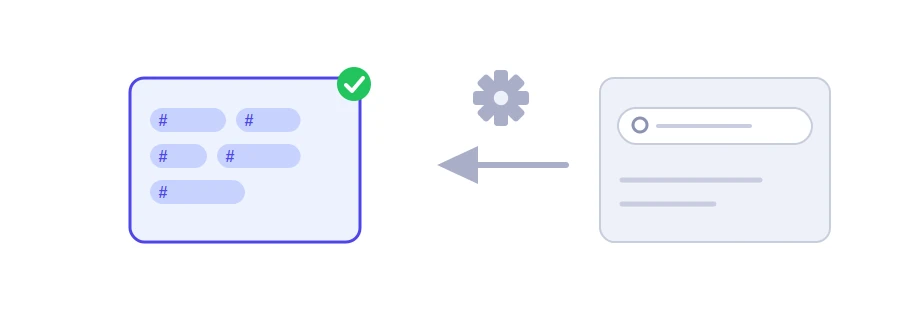
You type your video's topic, and Jood's YouTube hashtag generator gives you a list of hashtags built around it, written without spaces and in the right form, ready to paste into the description or title. It is a quick starting point: keep the ones that suit your video and delete the rest.
How to use it
Type your topic in the "Topic or Niche" box, for example "Digital Marketing".
Click "Start Now".
The hashtags appear in one box with a "Copy Result" button, and below it each one on its own chip.
Tip: capitalise each word. The tool glues the words together and keeps your capitals, and #DigitalMarketing is far easier to read than #digitalmarketing.
Where do these hashtags come from?
The tool builds the list from fixed patterns, in three steps:
Your topic in several forms: as it is, then combined with words such as Tips, Tutorial, Hacks, Learn and Best, and with the current year. From "Digital Marketing" you get, for example, #DigitalMarketing, #DigitalMarketingTips and #LearnDigitalMarketing.
Each word of your topic: any word of three letters or more becomes a hashtag of its own, such as #Marketing.
General hashtags: five hashtags added whatever the topic, including #YouTube and #Trending.
The list is written in the language of the page you open the tool in. Because it relies on patterns, the tool does not know what people actually search for and does not measure how popular any hashtag is.
Sort them before you paste
Delete what does not describe your video: a general hashtag such as #Trending says nothing about your content, and YouTube asks you not to add hashtags that are not directly related to the video.
Delete filler words: if your topic contains words like "for" or "the", they turn into stand-alone hashtags of no use.
Keep it short: YouTube shows up to three hashtags by the title, ignores all of them above 60, and says the more you add, the less relevant they become for people searching.
Add what the tool cannot know: your channel or series name, or your city if the content is local.
We use cookies to measure traffic and improve the site (Google Analytics), and may show ads later. Nothing is enabled without your consent. Privacy policy