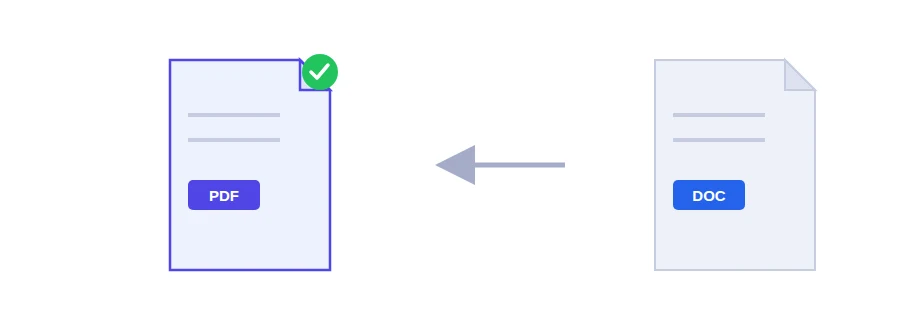
Why your Word file looks different on their screen
You spend an evening getting a cover letter or a job application just right in Word. Then the person receiving it opens it on a phone or in another word processor: a different font takes over, a heading drops to the bottom of a page on its own, a table slides out of place. That happens because a Word file is laid out again on every device, using whatever fonts and software that device has.
A PDF is not laid out again. Fonts and page breaks stay exactly where you put them, so the recipient sees the same pages you see, whatever program they open it with.
Upload a file or paste your text
If you have a .doc or .docx file, upload it and click the convert button. This route keeps the formatting with high fidelity and is the one to use for applications, reports and letters.
If all you have is text, say a few paragraphs copied from an email, paste it into the text box and it becomes a PDF instantly, right in your browser.
Layouts that may shift a little
Simple documents with text, headings and lists convert accurately. More complex layouts can move slightly: floating text boxes and frames, text set in columns, and embedded objects such as a chart pasted in from Excel.
So open the PDF and scroll through every page before you send it, especially for a visa file or anything official. If a floating text box has moved, try putting its content back into the normal text of the page in Word and converting again.
What to do with the finished PDF
If an online portal accepts only one file, combine your letter, certificates and ID scan with the merge PDF tool.
If photos have made the file heavy, shrink it with PDF compression before uploading it.
If you later need to go the other way and edit a PDF in Word, that is what PDF to Word is for.
Where the conversion happens
An uploaded Word file is sent to Jood's own server and converted there by LibreOffice, open-source software installed on that server, with no third-party service involved. It is processed in a temporary folder that is deleted once the conversion is done. Text you paste into the box stays on your device: it is converted directly in your browser.
FAQ
Simple documents convert accurately. Complex layouts with floating frames, columns and embedded objects may shift slightly.
We use cookies to measure traffic and improve the site (Google Analytics), and may show ads later. Nothing is enabled without your consent. Privacy policy