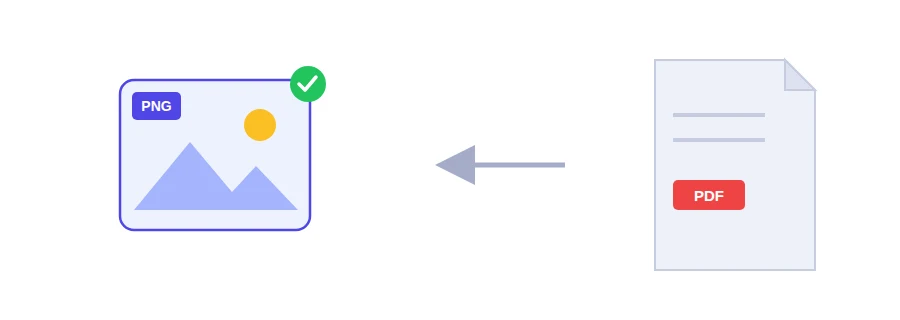
Your PDF has an org chart, a graph from a report or a table set in small type, and you want it as an image for slides, a thesis or an email. Saved as JPG, the edges of letters and thin lines can look slightly smudged, because that format compresses the image and throws away some detail. PNG is lossless: nothing is thrown away, so edges stay sharp and small text stays readable.
Convert only the pages you need
This tool has a pages field. Leave it empty and every page is converted. Type a range such as 2-5 and you get images of those pages only. Handy when the chart you want sits in the middle of a fifty-page report.
Select your PDF file.
Enter the pages you want, or leave the field empty, then choose the resolution: 1.5x, 2x, or 3x for print.
Start the conversion and save your PNG images.
When PNG beats JPG, and when it doesn't
Diagrams, charts, simple maps and floor plans: PNG.
Tables, fine print, pages of technical documentation: PNG.
Pages full of photos: the quality difference is hard to see and JPG files are smaller. Use PDF to JPG instead.
PNG files are usually heavier than JPG. If they turn out too big to send, Compress image can re-save them as WebP or JPG.
Whole pages, not the pictures inside them
Here the entire page becomes an image, text and drawings included. If what you really want is a photo or a logo placed inside the PDF, Extract images from PDF is the better tool, since it pulls each picture out at its original resolution.
Converted in your browser
All the work happens in your browser and the file is never uploaded. You can convert pages from an internal document or a file with personal data without a copy of it ending up anywhere else.
FAQ
PNG is lossless and suits text and graphics, while JPG is smaller and suits photographs.
Yes. Enter page numbers or a range such as 2-5.
We use cookies to measure traffic and improve the site (Google Analytics), and may show ads later. Nothing is enabled without your consent. Privacy policy