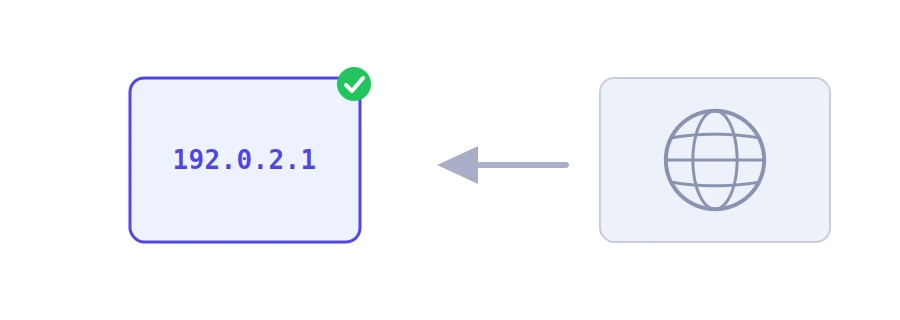
Devices do not connect to names, they connect to addresses. When you type a site's name, it is first translated into an IP address pointing to the server that hosts it. Jood's domain to IP lookup gives you that address in a second, along with the IPv6 address and the server's registered name.
How to use it
Type the domain in the "Domain Name" box, such as example.com. You can also paste a full address and the tool will take the domain from it.
Click "Start Now".
A table shows three pieces of information: "IPv4 Address", "IPv6 Address" and "Hostname".
What each item means
IPv4 Address: the familiar address made of four numbers separated by dots. If the domain has several, the tool shows the first one.
IPv6 Address: the newer, longer format. If you see "Not configured", the domain has no IPv6 address, which is common and does not stop the site from working.
Hostname: the name linked to the address in reverse. It often reveals the hosting company or cloud service. If the address has no reverse name, the address itself is shown.
When you need it
After moving your site: you confirm the domain points to the new server and not the old one.
To find out where a site is hosted: the hostname gives you a clue about the company hosting it.
To set up a firewall or an allow list: some services ask for an IP address rather than a name.
When the site works for others but not for you: compare the address the tool shows with the one your device shows for the command ping example.com. If they differ after a site move, your device is still holding on to the old address.
Cloudflare and other CDNs
If the site runs through Cloudflare or a similar content delivery network, the address you see belongs to that network, not the real server. That is deliberate: the network stands in front of the server to protect it. The address can also differ depending on where you ask from, because these networks send each visitor to the nearest point. Here, the result comes from Jood's server.
To see every address and the other records, such as mail and verification entries, use the DNS records lookup, and to find your own address, What Is My IP Address.
We use cookies to measure traffic and improve the site (Google Analytics), and may show ads later. Nothing is enabled without your consent. Privacy policy