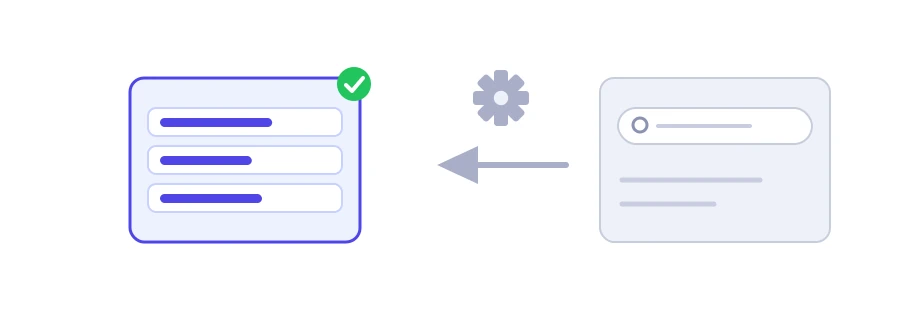
The video is ready, and the title still says "new video". Yet it is the first thing people read before deciding to watch, and it is often written at the last minute. Jood's YouTube title generator gives you 16 ready-made phrasings around your topic, split into four styles, so you start from something rather than a blank page.
How to use it
Type your topic into the "Video Topic or Niche" box, such as "phone photography".
Click "Start Now".
The titles appear in four groups, each with its own "Copy" button.
The four styles
How To & Guides: for people looking for a method, such as "How to Phone Photography for Beginners (Complete Walkthrough)".
Curiosity & Viral: titles that raise a question, such as "The Truth About Phone Photography Nobody Tells You".
Listicles & Rankings: numbers that promise organized content, such as "3 Simple Rules to Master Phone Photography Fast".
Authority & In-Depth: for long videos and reviews, such as "Phone Photography Explained in 10 Minutes or Less".
Titles are written in the language of the page you open the tool on, some add the current year, and your topic is capitalized word by word. As the first example shows, some templates fit some topics better than others, so adjust the grammar where needed.
From template to your own title
Stay honest: if the title says "10 tips" and the video has five, change the number. A title that promises what the video does not deliver makes viewers leave quickly, and that hurts you more than it helps.
Put the key word first: YouTube accepts up to 100 characters, but the end of a title can vanish on mobile.
Mix the templates: the best title is often half template and half your own idea.
Think about the thumbnail at the same time: do not repeat the title's words on it; complete the idea instead.
We use cookies to measure traffic and improve the site (Google Analytics), and may show ads later. Nothing is enabled without your consent. Privacy policy