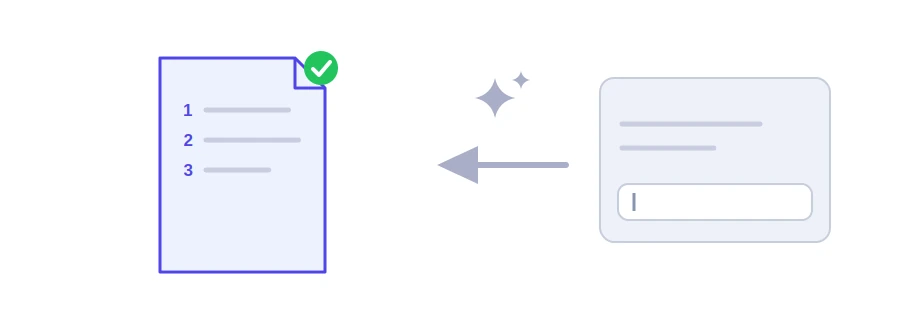
The hardest part of a long blog post is not the sentences but the order: what to say first, what to save for later, what to leave out. Jood's AI blog post outline generator gives you a detailed outline of six main sections, each with bullet points describing what goes in it, using Google's Gemini service.
How to use it
Type the topic in the "Prompt / Topic / Input Text" box, for example "How to start growing vegetables on a small balcony".
Choose the "Language" of the outline.
Click "Start Now", then copy the outline or download it as Word or TXT.
From outline to post
Turn sections into headings: each of the six sections can become a subheading, and the bullet points under it become paragraphs.
Order by what the reader needs: if they want steps, give them early and push history and background further down.
Cut and add: the outline is a suggestion, not a rule. Drop a section that does not fit your audience and add what your experience taught you.
Search engines read headings to understand how a page is organised, and readers skim them to see whether they will find their answer. A clear outline gives you headings that describe each part accurately. Do not stuff the same keyword into every heading, though: a heading is written for the reader first. Once the post is written, run it through the keyword density checker.
Good to know
The topic is sent to Google Gemini, so keep confidential information out of it. The site's key has a daily allowance, and you can add your own free key from Google AI Studio in the "Your API key" box. Visitors from the European Union, Switzerland and the United Kingdom need their own key under Google's terms for free keys.
We use cookies to measure traffic and improve the site (Google Analytics), and may show ads later. Nothing is enabled without your consent. Privacy policy