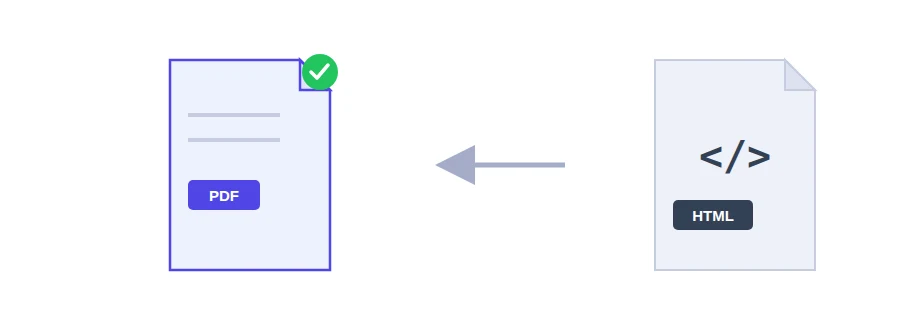
You have an invoice template written in HTML, the source of an email receipt, or a report page produced by some software at work, and you need it as a PDF to archive or attach. Here you paste the code into the box and get back a PDF that keeps the layout you wrote.
It converts code, not web addresses
There is no field for a URL. The tool doesn't visit any website for you: it takes the HTML you paste and converts exactly that. If you want a page from a site, you have to copy its code yourself, and the styling may not come through completely, for the reason explained below.
How to use it
Copy the full code of the page, including its style section if it has one.
Paste it into the text box.
Click the convert button and save the PDF.
Why some styling goes missing
CSS written inside the tags (the style attribute) or in a <style> block in the page is applied. Stylesheets loaded from another domain, such as a link to a CSS library in the page head, may not be fetched, and the PDF then comes out with plain default styling. The fix is to copy the rules you need into a <style> block before pasting the code.
Typical jobs for it
An invoice or quote built from an HTML template, ready to send to a client.
An email receipt or order confirmation you want to keep for your accounts.
A report or statistics page you want to archive exactly as it looked on a given day.
A simple certificate or letter laid out in HTML.
If your document is a Word file rather than code, use Word to PDF instead. To send the invoice together with other documents as one file, run the result through Merge PDF.
Your code stays in the browser
The conversion happens inside your browser and the code is not sent to any server. An invoice with a client's name and amounts, or an internal report, never leaves your device.
FAQ
Yes. Inline and internal CSS is rendered. Stylesheets loaded from an external domain may not be fetched.
We use cookies to measure traffic and improve the site (Google Analytics), and may show ads later. Nothing is enabled without your consent. Privacy policy