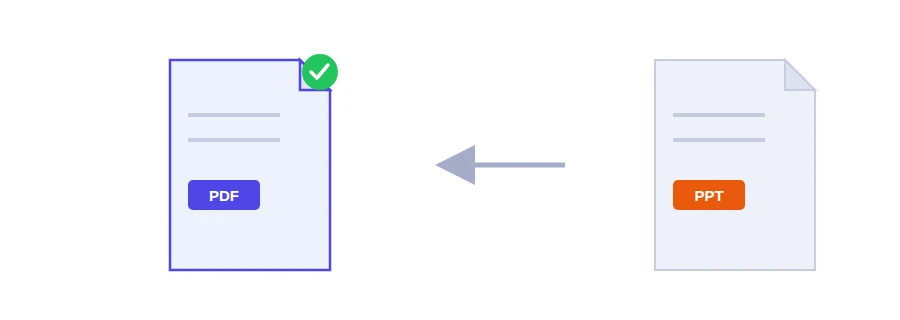
You have a talk at a conference or a pitch with a client, and someone asks for the slides in advance: the organiser wants to load them, your manager wants to review them, the print shop wants something to print for the audience. A PowerPoint file needs PowerPoint to look the way you designed it. On a phone or in another program, fonts can change and text can spill out of its boxes. As a PDF, your slides open on any device and keep their look.
From presentation to PDF
Upload your presentation file.
Click the button to convert the slides.
Download the PDF and flick through it before you send it on.
Each slide becomes one page, so a 20-slide deck gives you a 20-page PDF.
Animations and transitions don't make the trip
A PDF is static, so animations and slide transitions are not kept. Each slide is exported in its final state, the way it looks once all its animations have played. In practice:
bullet points that appeared one per click now show up all at once, which usually suits someone reading the deck on their own;
if you stacked pictures or text boxes on top of each other so they would replace one another during the talk, check those slides in the PDF. If they overlap, spread the items over several slides and convert again.
Review copies, printouts and handouts
Sending the deck to a teacher, a manager or a client who doesn't have PowerPoint.
Printing the slides as a handout for a workshop or a meeting.
Adding the presentation to a grant or job application and bundling it with the other documents using the merge PDF tool.
Posting a single slide as a picture, by turning its page into an image with PDF to JPG.
Photo-heavy decks can produce a PDF too large for email. Run it through PDF compression to make it lighter.
Your slides only go to Jood's server
This conversion runs on the server, not in your browser. The file is sent to Jood's own server and converted by LibreOffice, open-source software installed there, with no third-party service in between. It is processed in a temporary folder that is deleted once the job is finished.
FAQ
No. A PDF is static, so each slide is exported in its final state.
We use cookies to measure traffic and improve the site (Google Analytics), and may show ads later. Nothing is enabled without your consent. Privacy policy