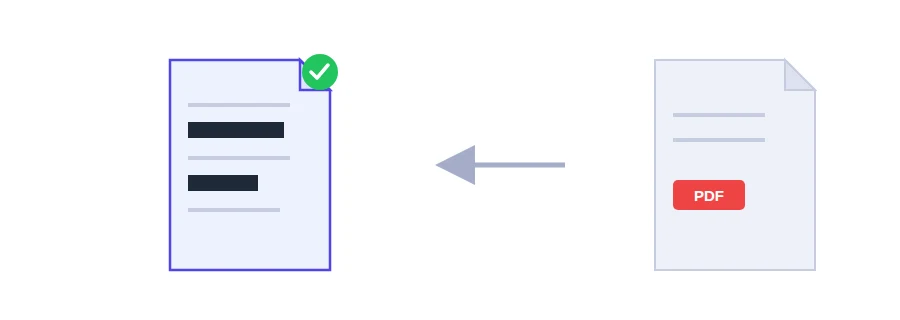
Sharing a document that contains one detail nobody should see?
A tenancy agreement that shows your ID number, an invoice with your bank details, meeting minutes that name people who have nothing to do with the matter. You don't need to rewrite anything. You need to redact it: remove the sensitive parts for good and leave the rest as it is.
A black box in an ordinary editor hides nothing
Most people open the file in an editor, draw a black rectangle over the number and save. On screen the number looks gone, but the text is still there under the rectangle: select it, copy it, paste it anywhere, and it reads in full. This mistake is a common cause of leaks from documents their authors believed were redacted.
What Jood actually does to the page
The server turns every page where you drew a box into an image, and burns the black boxes into the pixels themselves. The text that sat underneath no longer exists in the file. It is not hidden or covered, it is gone.
That comes at a price you should know about: text on redacted pages can no longer be selected or copied. Pages where you drew nothing stay as they were.
Redacting step by step
Choose the file. Its pages appear on screen.
Drag on a page to draw a black box over everything that must disappear, and repeat on other pages if needed.
Click the redact button and download the new version.
Two tips: make each box a little wider than the text so no edge of a letter peeks out, and keep the unredacted original on your side, because whatever was removed from the new copy cannot be brought back.
What the page itself doesn't show
A PDF can also carry hidden details such as the author's name, the software that created it and when it was modified. To clear those, run the file through PDF metadata removal after redacting. And if the whole document is confidential rather than a few lines, password protection is the better fit.
The file is processed on Jood's own server by open-source software, with no third-party service, in a temporary folder that is deleted once processing is done.
FAQ
No. The text underneath stays in place and can be copied directly. This is one of the most common ways confidential information leaks.
Because it will never hand you a file that only looks redacted. If the engine that actually deletes the content is not enabled, the tool refuses to run instead of putting your data at risk — and that engine is already enabled here.
We use cookies to measure traffic and improve the site (Google Analytics), and may show ads later. Nothing is enabled without your consent. Privacy policy