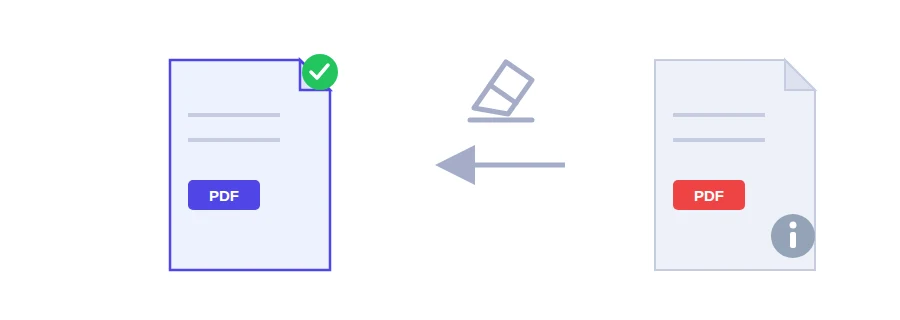
Open any PDF and look at the document properties in your reader. You will often find an author name, a title, the software that created the file, and the dates it was created and last modified. That is the metadata. It doesn't appear on any page, but anyone who receives the file can read it.
A real example: you update your CV on your work laptop and send it off with a job application somewhere else. The author field may show your current employer's name or your Windows user account, and the title may still be the name of an old draft. You never typed that on a page, yet it travels with the file.
What gets removed, and what stays
Document information: author, title, creating software, creation and modification dates.
XMP metadata, a second place where this kind of information is stored inside the file.
Page thumbnails saved in the file.
Any JavaScript embedded in the PDF.
The page content itself is left exactly as it was: text, images and links are untouched.
Cleaning a file before you send it
Choose your PDF.
Press the remove and download button, then send the new file instead of the original.
When it's worth doing
A CV or cover letter going to a new employer.
A document you publish online and don't want tied to your name or your computer.
An invoice or report for a client, who has no need to know which software you use or when you last edited it.
It won't hide what's on the page
This tool clears the hidden details, not what is written on the page. If the document shows a name or number you need to remove, such as an ID number on a copy you're sharing, use the redact PDF tool instead.
Processed on Jood's own server
The cleanup doesn't run in your browser. The file is sent to Jood's own server and processed by open-source software, with no third-party service involved, in a temporary folder whose files are deleted after processing.
FAQ
Document information (author, title, software, dates), XMP data, page thumbnails and embedded JavaScript code.
No. Text, images and links stay exactly as they are.
We use cookies to measure traffic and improve the site (Google Analytics), and may show ads later. Nothing is enabled without your consent. Privacy policy