It happens more often than you'd think. You download a PDF form, say a visa application or a new-client form from your bank, fill it in on your computer, save it and email it. A few days later someone replies that the fields are empty. Or you print it at the office and the page comes out without your answers. You didn't do anything wrong, and the file isn't broken.
Why filled-in answers go missing
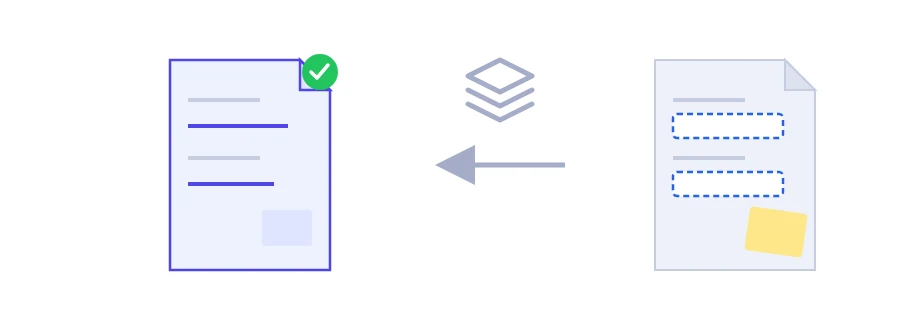
In a fillable PDF, what you type is not part of the page itself. It sits in form fields layered on top of the page, and every PDF program draws those fields in its own way, some of them badly. Comments, annotations and signatures work the same way. Flattening merges all of it into the page content, so the file looks identical wherever it is opened and the fields can no longer be edited.
Flattening a PDF
Choose the filled-in, annotated or signed PDF.
Press the flatten and download button, then save the new file.
Good moments to flatten
Before sending a completed form to an office or uploading it to an online portal.
Before printing, so every answer actually shows up on paper.
Before you sign a PDF you filled in: fill it, flatten it, then sign it, so the fields become a fixed part of the page.
When the person you sent it to says your fields look empty on their side.
There is no undo
Once a PDF is flattened, you can't go back into the fields to fix a date or an amount. Keep your fillable original and flatten only the copy you send. If what you really want is to stop people opening the file without your permission, that's a job for the password protect PDF tool.
Where the flattening happens
Flattening doesn't run in your browser. The file is sent to Jood's own server and processed there by open-source software, with no third-party service involved. It goes into a temporary folder, and the temporary files are deleted once processing is finished.
FAQ
No. Keep the original copy if you may need to edit the fields later.
Before sending a filled-in form, before printing, or when the fields appear empty for the recipient.
We use cookies to measure traffic and improve the site (Google Analytics), and may show ads later. Nothing is enabled without your consent. Privacy policy