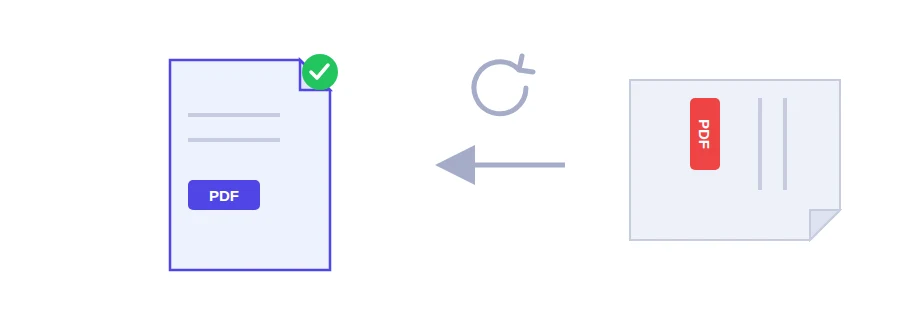
You scan a bank statement or a signed lease for a rental application, open the file, and every page is lying on its side. You can turn the view in your PDF reader, but that changes nothing in the file: the landlord or the visa office will still see it the wrong way round. The Jood rotate tool saves the new orientation inside the PDF itself, so the pages display correctly for anyone who opens it.
Picking the angle
90° clockwise: when the top of the text points to the left.
180°: when the page is upside down, which usually happens when the sheet went into the scanner the wrong way.
270° counter-clockwise: a quarter turn in the other direction.
If you are not sure, start with 90°. If the pages come out upside down, go back to the original file and choose 270°.
Rotating the file
Choose the PDF from your device.
Select the rotation angle from the list.
Click the rotate button and the corrected PDF downloads.
When only one page is wrong
The tool turns every page of the file by the same angle. It has no option to pick individual pages. If a single sideways page sits in the middle of an otherwise fine document, cut the file into three parts with the split PDF tool (the pages before, the problem page, the pages after), rotate that one page, then put the three parts back together in order with the merge PDF tool.
If you photograph documents with your phone, the smart scanner lets you rotate each page before the PDF is created, which avoids the problem in the first place.
Your file stays with you
The rotation happens in your browser, on your own device. The file is never uploaded to a server, which matters when the document is a contract or a copy of your passport. No account, nothing to install.
FAQ
The tool rotates every page of the file by the angle you choose. If only one page is sideways, separate it with the Split PDF tool, rotate it, then put everything back together with Merge PDF.
Yes. The orientation is saved inside the file itself, not just in how your viewer displays it, so it is correct for everyone who opens it.
90° turns the pages a quarter turn clockwise, 270° a quarter turn the other way. If the pages come out upside down, start again from the original file and pick the other angle.
We use cookies to measure traffic and improve the site (Google Analytics), and may show ads later. Nothing is enabled without your consent. Privacy policy