You download a bank statement or an exam notice from an online portal, the connection drops halfway through, and the file you end up with won't open. The same thing happens with an email attachment that didn't transfer properly, or a document sent through a messaging app that never fully arrived. Your PDF reader says the file is damaged, or opens only part of it.
Very often the page content is still in there. What's broken is the structure the reader relies on to find it.
What the repair actually rebuilds
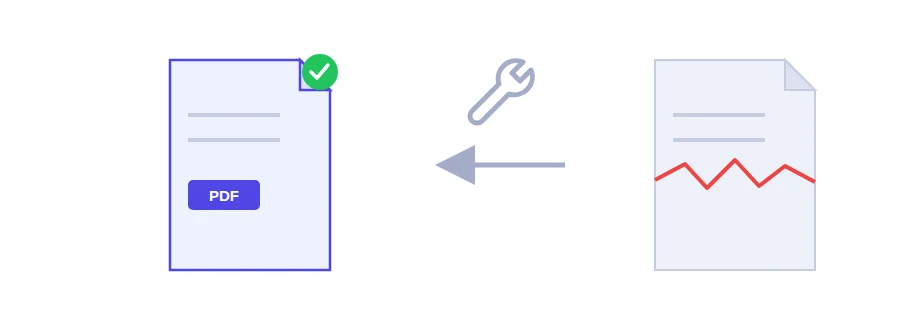
Every PDF has a cross-reference table, a kind of index recording where each piece of the file sits, and a page tree that sets the order of the pages. When that index is damaged, a reader can't locate the pages even if they are all there. Jood's repair tool reads whatever is still readable, rebuilds the page tree and the cross-reference table from it, and hands you back a clean file.
Select the damaged PDF.
Click the repair button. The fixed copy downloads as a new file.
Open it and check that every page you expect is there.
What no repair tool can bring back
To be straight with you: repairing puts order back into what exists, it does not recreate what is missing. If a download stopped halfway, the pages that never arrived are simply not in the file, and no tool can make them reappear. In that case the only real fix is to download the document again from its source, or ask the sender for a fresh copy.
Before you give up on the file
A PDF that asks for a password isn't damaged, it's protected. If you know the password, you can remove the password from the PDF and carry on.
If another tool, such as merge PDF, gets stuck on one particular file, a structural problem may be the reason. Repair that file first, then try again.
Your original stays untouched on your computer, so trying costs you nothing.
The file never leaves your device
The repair runs inside your browser and your PDF is not uploaded to any server. That matters when the file you're trying to rescue is a contract, a payslip or a copy of your ID.
FAQ
No. If the underlying page data is truly missing, no tool can bring it back. Repair helps when the content is still there but the index pointing to it is broken.
We use cookies to measure traffic and improve the site (Google Analytics), and may show ads later. Nothing is enabled without your consent. Privacy policy