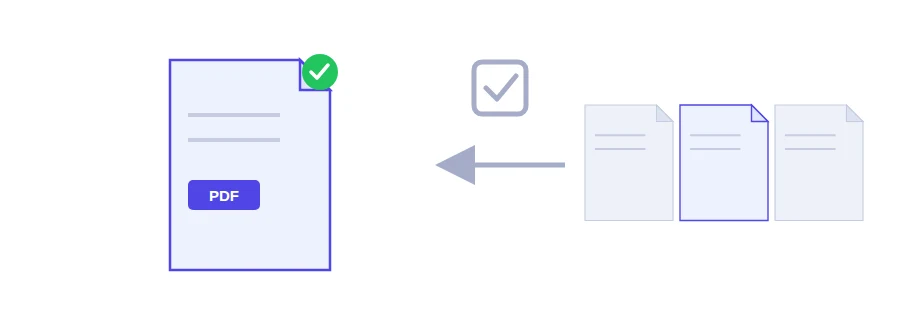
One PDF with all your papers, and everyone wants a different part of it
Say you scanned all your documents into one file: ID card on page 1, proof of address on page 3, employment letter on page 7, then your diplomas on pages 8 to 12. The bank wants your ID and proof of address; the job application asks for your ID and diplomas. With this tool you type the numbers of the pages to keep and get a standalone PDF that contains only those pages.
The original file never changes. You can come back to it as often as you like and pull out a second or third selection for someone else.
From the original to a file of chosen pages
Choose the original PDF.
Type the numbers of the pages you want to keep, separated by commas, for example 1, 3, 7. A run of pages can be written with a hyphen, like 8-12.
Click the extract button and a new, independent PDF downloads.
In our example, 1, 3 gives you the file for the bank. Then you pick the same original again and type 1, 8-12 for the job application. If you need the extracted pages in a different order from the original, run the result through the page reordering tool.
Extract or split: same engine, different goal
The split tool works the same way under the hood. The difference is what you are after. Splitting means thinking about the whole document and cutting it into consecutive parts: pages 1-10 in one file, 11-20 in another. Extracting means going after particular pages, a few from here and there, for one specific request, and leaving the rest where it is. And if what you want to get rid of is much shorter than what you keep, type the unwanted pages into the remove pages tool instead.
Everyday uses
Preparing a separate copy for each office from a document pack you scanned once.
Pulling only the table pages out of an annual report to use in a presentation.
Keeping one year's questions from a file of past exam papers.
Sending a colleague just the pages of long meeting minutes that concern them.
Nothing is uploaded
The whole extraction runs in your browser and the file is never sent to a server. That matters most when the PDF holds all your personal papers: only the pages you picked end up with the recipient.
FAQ
Extracting keeps the pages you select, while splitting aims to break up the whole document. In practice, both do the same job on a single range.
We use cookies to measure traffic and improve the site (Google Analytics), and may show ads later. Nothing is enabled without your consent. Privacy policy