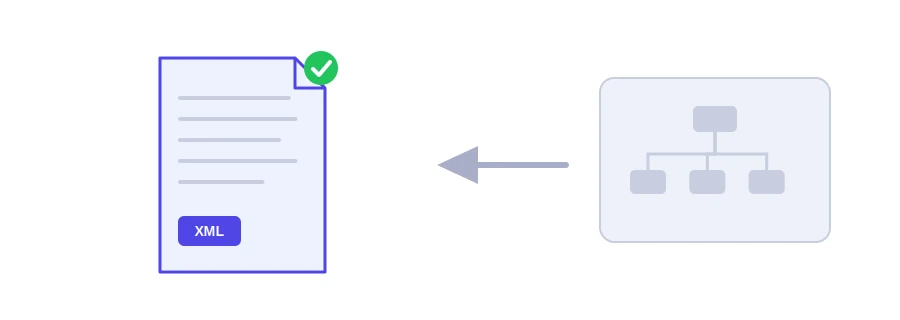
A sitemap is an XML file listing the addresses of your important pages, so Google and Bing know what to visit without waiting to discover every page through links. It helps most with new and small sites. Jood's XML sitemap generator writes that file from the list of your pages, in the format the standard requires.
How to use it
Type the "Website Root URL", such as https://example.com.
In "Additional Page Paths or URLs", write one page per line: a path like /about or a full address on your site.
Choose the "Change Frequency" and the "Default Priority", and tick the last-modified date if it applies.
Click "Start Now", then copy the code and save it as a sitemap.xml file at your site's root.
The tool does not crawl your site; it builds the sitemap from the list you write. The home page is added automatically with priority 1.0, duplicates are removed, and addresses from another domain are left out and reported to you. Addresses with accents or Arabic are encoded automatically as the standard requires, and you can enter up to 5000 lines.
What really matters in a sitemap
The addresses themselves: include only pages you want in search results, with their final https address, not redirected pages or noindex pages.
The last-modified date: Google uses it when it is reliable. Only tick the option if you really changed the pages today; otherwise leave it off.
Priority and frequency: the standard includes them, but Google ignores them, so do not spend time on them.
Once the file is ready
Upload it to the site root so it opens at example.com/sitemap.xml.
Submit it to Google from the Sitemaps report in Search Console, and add a Sitemap line to your robots.txt file so other search engines find it.
Update it whenever you add an important page.
If your site runs on WordPress, you usually do not need it: WordPress creates an automatic sitemap at wp-sitemap.xml, and SEO plugins create their own. The tool is most useful for static sites and custom-built sites.
لا، هو يسهّل الاكتشاف فقط. القرار النهائي لمحرك البحث وفق جودة Page.
في Google Search Console of categories Sitemaps، بإدخال مسار الملف مثل sitemap.xml.
حتى 50,000 رابط أو 50 Megabyte دون ضغط.
We use cookies to measure traffic and improve the site (Google Analytics), and may show ads later. Nothing is enabled without your consent. Privacy policy